


Open this article in your preferred AI assistant. ChatGPT and Perplexity receive the prompt directly; Gemini and Claude open while the same summary prompt is copied for you.
If you’re conversant with the multilingual plugin market, you won’t be surprised to see record businesses, bloggers, ecommerce brands and agencies seeking Weglot alternatives. While the platform is popular for its quick and easy setup, and overall simplicity, several aspects still need improvement.
People are seeking Multilingual website solutions that are flexible, scalable and affordable. They are seeking alternatives to avoid Weglot’s rising translation cost, long-term scalability concerns and word-count limitations.
CSA research provides key insight into the importance of using a multilingual website solution. The research shows that 76% of consumers prefer purchasing products that have their native language on it. The same report also points out that 40% of consumers never purchase products in other languages.
This shows why people are seeking multilingual solutions that offer strong localization workflows, lower operational cost, SEO and better AI-focused translation quality.
Here, we discussed several alternatives to Weglot that are worth considering and other information that will help you get the best out of your multilingual plugin. Let’s dive in!
Scaling International SEO Using Translation Automation (How to Achieve It)
In the past, businesses spent huge amounts of money to get into international markets. They had special localization budgets. But today, things have changed.
Now, anyone can expand into international markets without a hefty budget. That’s because of the availability of translation automation tools. Even eCommerce stores, startups, and SaaS companies can expand into international markets effortlessly.
Global ecommerce revenue is projected to increase in the coming years. Statista reports put the revenue growth of the global ecommerce market at $8 trillion in 2027. That’s a huge figure by any standard.
Multilingual SEO offers businesses of all sizes the opportunity to expand into international markets. However, successful implementation requires more than translating pages word-for-word. You need a strategy.
Here, we highlighted how you can scale your international SEO using translation automation. Let’s dive in!
1. Consider building a multilingual SEO framework:
Does your website already have a multilingual SEO structure? If it doesn’t, consider building one before you start to translate content.
Unfortunately, many businesses bypass this aspect of their multilingual SEO strategy. They are more focused on translating the content on their websites.
But that shouldn’t be the case. Search engines want you to give them proper language targeting signals. In other words, they want to know the pages you would like to see appear in regional search results. This is important for the successful ranking of the translated pages internationally.
Now, here are some crucial tips to consider:
Use clear URL structure: Why? The reason is simple! Using clear URL improves crawlability and indexing. You can’t rank in
Google search engine results if it doesn’t crawl or index your page.
So decide if you want to use country-code, subdomains, subdirectories domain for your multilingual expansion. Know that translated pages are crucial for improved multilingual SEO performance.
The reason is simple. Google uses structured URLs and localized slugs to `understand a page’s relevance in different languages.
Consider using Hreflang tags implementation:
Why is this point important? It is simply because of how it assists Google in serving the ideal language version to visitors located in different regions.
What happens if you don’t use Hreflang tags? You could face duplicate content issues, which can hamper your visibility and search engine ranking for the translated page.
Use localized XML sitemap:
Multilingual indexing efficiency rises when you use localized XML sitemaps. Search engines will effectively crawl your localized XML sitemap if the translated pages are properly arranged. This improves your visibility in international markets.
Use proper internal linking:
Multilingual SEO scaling gets a boost when you utilize proper internal linking. Internal linking boosts content discoverability. It strengthens the crawl paths.
2. Deploy AI translation automation tactics:
AI-centralized translation automation has made multilingual SEO affordable and doable for businesses of all sizes. It has changed the way businesses scale their multilingual sites.
Most of the latest multilingual translation platforms you’ll find now use advanced machine translation engines. Most of them use options like Google Translate, DeepL and other AI-powered language models for multilingual publishing improvements.
With the introduction of AI-powered translation, traditional multilingual location workflows will be pushed to the side by the majority of users. AI automation allows you to translate tons of pages much faster.
Here are some tips to help you implement AI automation translation.
Consider translation memory: Translation memory plays an important role in future improving automation efficiency while lowering localization cost.
The translation memory boasts previously translated phrases. These phrases are reused automatically when the need arises.
Consider glossary management: Glossary management is highly crucial for international SEO. It is crucial for brands to use the same terminologies throughout. Using varied terminologies will weaken brand identity and confuse users.
When you use consistent terminology, you build trust and brand identity. Users will see you as a professional with a clear brand identity. It helps improve a brand’s multilingual trust.
Prioritize high performing content first: When performing multilingual SEO, place high performing pages as top priority. The reason is simple. You can generate higher ROI from your high-performing content, and landing pages faster than low performing ones. You can consider the low-performing pages after you have generated good return on your investment on the high performing ones.
The Reasons Customers Trust Websites in Their Native Languages
Several factors play a key role in influencing website visitors’ online behavior. One of such factors is the word “trust.” Customers are more likely to make a purchase from a website they find safe and secure.
Upon landing on a website, visitors can evaluate it within seconds. They can evaluate and decide making a purchase on the website will be a good decision.
One of the ways to make prospects choose your website or feel comfortable buying from your website is by ensuring the product information is in their languages. People find websites whose content is written in their languages safer, clearer and more reliable.
CSA research reveals that 76% of customers are more likely to purchase a product whose information is given in their own language. The researchers also pointed out that 40% of consumers may abandon a website or may never purchase from it if the products aren’t in their languages.
There is no discrimination here. These customers aren’t discriminating. People will only make a purchase on a website they feel safe on. That’s why multilingual translation plugins are important for brands looking to profit from the international market.
Let’s discuss why people trust websites written in their own language and why they are more likely to purchase from such a website.
Native language can cause improvement in psychological comfort:
Imagine this: customer A is not a native speaker. English is not his first language and he’s not even fluent. He lands on your website only to discover the content was in English language. He then moves to another website (your competitor).
Interestingly for customer A, the product information and content on the second website was written in his native language. That’s because the second website (your competitor) uses a multilingual translation plugin like WTranslator or other reliable tool.
Which of the websites do you think the customer would likely purchase from? Of course, he will likely buy from your competitors for several reasons:
- He understands the product information better
- He knows the product is going to be useful because he understands the information provided in his native language
- He feels an emotional connection reading product information written in his own native language.
Localized messaging boosts clarity during decision-making. Because customers understand the product information clearly, they can make purchasing decisions much faster.
Localization strengths brand credibility:
When a customer lands on a localized website, what do they see? They see international professionalism. That’s the fact.
When businesses invest in translation, customers assume they are more committed to serving a global audience. Customers also tend to trust such businesses more, increasing the likelihood of patronage.
Localized customer support improves brand credibility. Things like onboarding materials, including help documentation and FAQs written in native language diffuse customers’ anxiety.
Translation consistency is also important. Inconsistent or awkward translation can destroy a brand’s reputation. That’s why it’s crucial to choose the right multilingual tool.
People get emotionally-attached when reading information written in their language. It doesn’t matter whether its product information, customer support or general information. So they may feel insulted or offended when they find language-related mistakes in a translated page.
Native language can lower risk perception:
People have nasty experiences shopping online. Most people have paid for products and didn’t get what they ordered. Some have experienced poor customer support after making a purchase on some websites.
These experiences make customers evaluate online businesses deeply before making a purchase. They might not have had a bad experience purchasing products online, but might have read about others’ poor experiences. That alone can make them more careful when buying online.
It’s normal for customers to evaluate a business thoroughly before purchasing or sharing their personal information. They assess the risk of purchasing from a site before making a commitment.
Language barrier can reinforce that risk or fear. Customers may find product information written in a language they can’t understand confusing. They may abandon their carts because of a lack of understanding of the product details.
That’s why localization is crucial. Nothing compares to having customers who understand your product information and feel emotionally connected because the information was written in their local language.
Translating policy documents to potential customers’ local languages improves transparency. Customers can read and understand your privacy policy, terms and conditions, refund policy, FAQs before making a purchase.
Presenting important documents in such a manner improves trust. And when customers trust you, the purchase decision becomes easier to make.
Localized onboarding can also benefit businesses running subscription-based or SaaS products. Customers feel safer and confident when navigating a product whose information is provided in their local languages.
Multilingual navigation is also crucial for software products, as it improves usability. Customers are able to navigate through the product efficiently.
Trust impact revenue growth:
Earning customers’ trust by using a multilingual plugin to serve content, or product information in their local language can have a positive impact on your business’ revenue growth.
Customers that trust your business will spend more time consuming your content. That is simply because you served them with content written in their local language. They will spend more time on your page, interact with your content and make a purchase.
Not only your revenue, but the website will feel the positive impact of a successful localization. You’ll experience a high dwell time and lower bounce rate, sending positive signals that the web pages are trustworthy.
While dwell time and bounce rate aren’t ranking signals, Google uses them to gauge the importance and relevance of a website. A low dwell time and high bounce rate indicates that people aren’t getting value from the content. For that reason, Google might not rank it high on the SERPs.
Localization can also boost customer satisfaction. Customers appreciate brands that go out of their way to learn and present information in their local languages. Customers feel respected when they encounter such websites, and may want to reciprocate the gesture.
Ignoring localization is a huge risk for international brands. Since most customers now want international brands to serve content in their local languages, ignoring multilingual tools can prove costly. Brands that do so will miss out on another revenue-generating opportunity.
6 Best Weglot Alternatives for Multilingual Websites
If you’re seeking Weglot alternatives that are scalable, flexible and affordable, you’re in the right place. We have handpicked alternatives that can deliver value for your money. Check them out below:
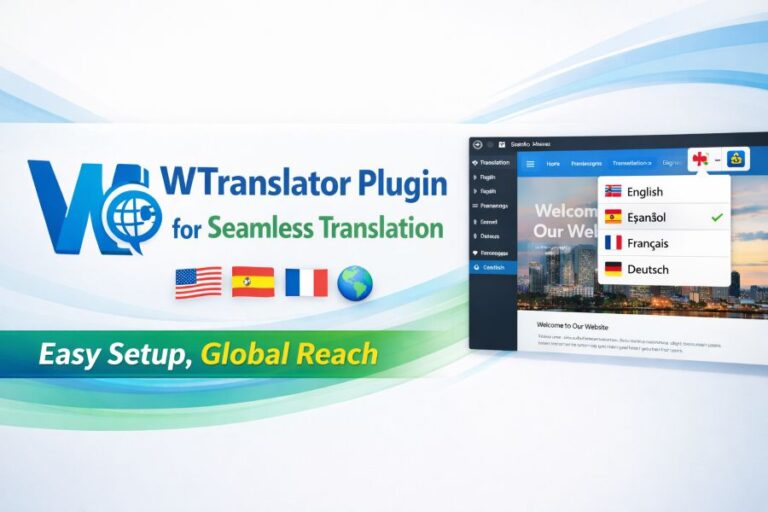
1. WTranslator:
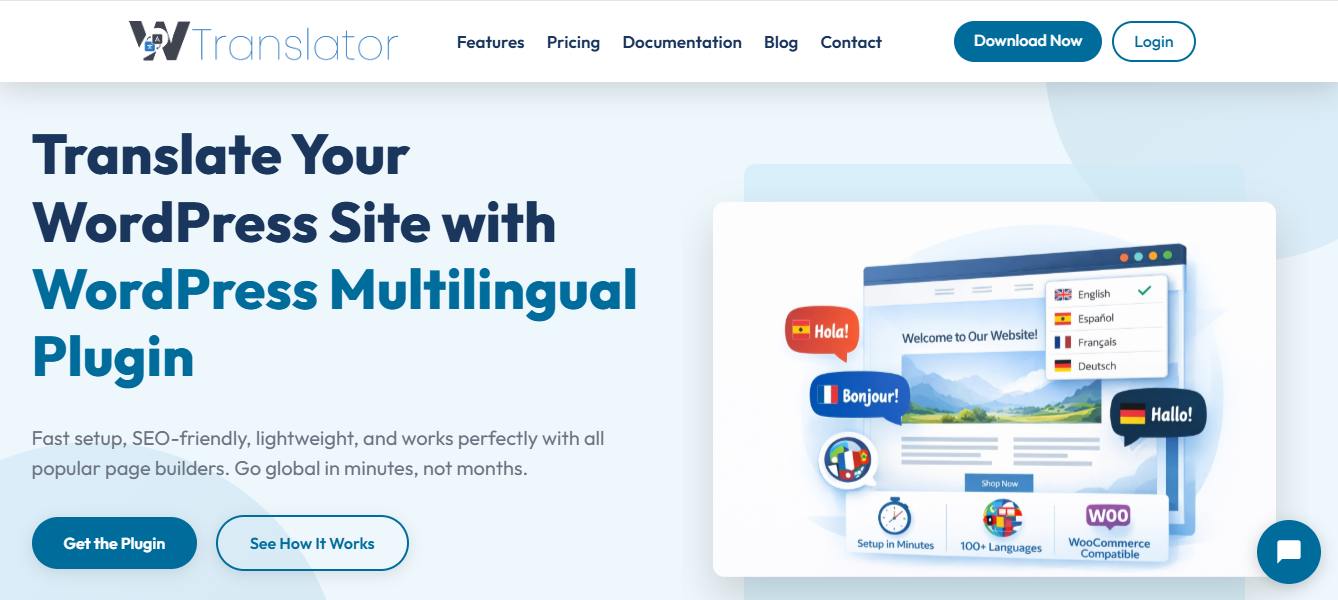
A reliable and modern multilingual website translation solution, WTranslator is designed to help businesses targeting international audiences to localize their website. It integrates seamlessly with WooCommerce and other page builders.
A decent choice for businesses seeking automation translation workflows, and multilingual SEO support, WTranslator focuses on website translation automation. It is simple to set up and use, making it a wise choice for beginners and advanced users.
No-code installation makes it a decent choice for non-technical users. Its optimized code and fast caching ensures your website stays fast and translated into multiple languages seamlessly.
It boasts an easy language switcher that integrates seamlessly with any website design. Its advanced AI-powered translation helps maintain context and translation quality across all content, helping your brand stay professional in the international market.
The platform supports multilingual SEO optimization, ensuring translated pages are crawlable and indexable.
Key Features of WTranslator
- Automatic website translation helps businesses launch multilingual websites faster while reducing manual translation workload.
- Manual translation editing allows users to improve localization quality and refine machine-generated content for better readability.
- Multilingual SEO support helps translated pages become searchable and indexable in search engines across different languages.
- Centralized translation management simplifies multilingual workflows by keeping translations organized in one dashboard.
- Localization workflows improve audience targeting by adapting content to regional and cultural preferences.
- Content scalability features help businesses manage multilingual growth more efficiently.
- User-friendly translation workflows reduce dependence on developers for routine localization management.
- Localization flexibility supports adaptation beyond direct translation for stronger regional relevance.
- Workflow collaboration tools improve coordination between translators, marketers, and SEO teams.
- Search visibility optimization helps websites expand organic reach across international search engines.
Pros of WTranslator
- Supports automatic website translation
- Includes manual editing capabilities
- Helps improve multilingual SEO
- Supports multilingual user experiences
- Reduces manual localization workload
- Scalable for growing websites
- Simplifies international expansion
- Improves localization consistency
- Faster translation deployment
Cons of WTranslator
- Less widely recognized than larger competitors
- Advanced enterprise integrations may vary
2. TranslatePress:
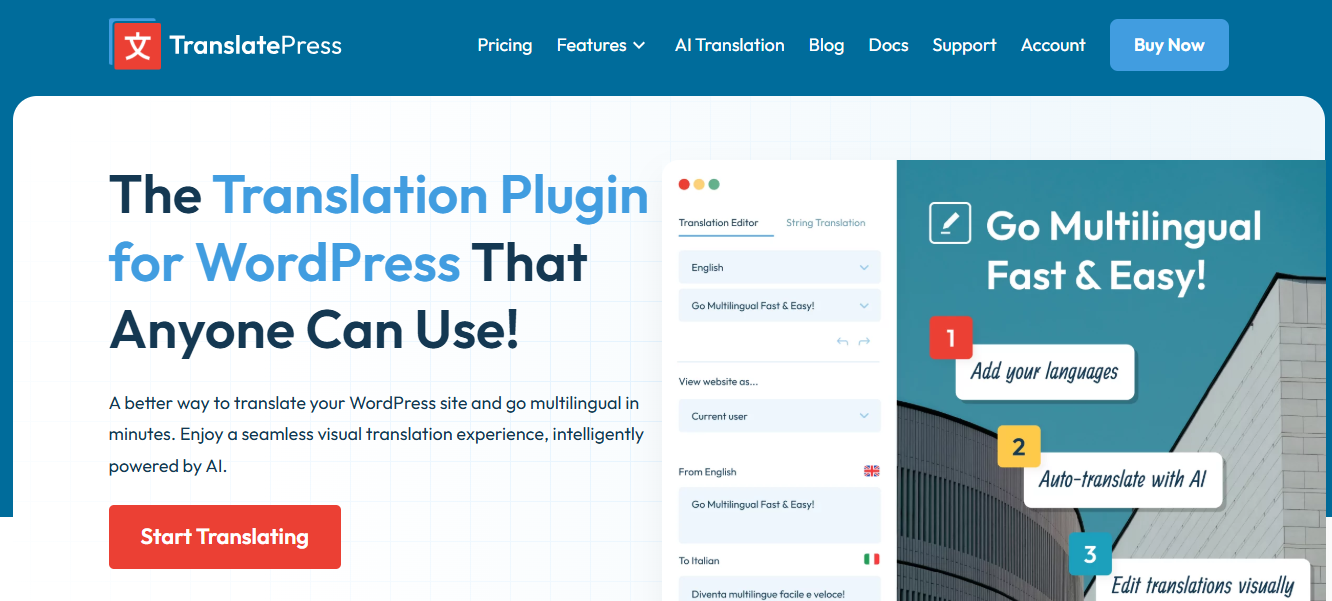
TranslatePress is a WordPress plugin, offering direct control of website translations for businesses, bloggers, and ecommerce sites. It works entirely within the WordPress dashboard, making the translation process straightforward for users with varied technical knowledge. It is simple, allowing users with less technical expertise to perform translations.
The visual translation editor allows you to translate website content directly on the frontend of your website. This method provides better accuracy because the content is seen in its actual context during translation. It also enhances user experience for people with little technical background to conduct translations.
It has built-in WooCommerce support, allowing you to easily translate your products, check out pages, customer orders and experiences, enhancing customer trust and raising global conversion rates. Studies from Shopify found that localized experiences improved global sales by over a significant number.
Key Features of TranslatePress
- The visual frontend translation editor provides a more precise method of translating because you see what your users are seeing in real time.
- It integrates with Google Translate which automatically translates the majority of your content reducing workload for many sites.
- Integrates with Deepl.org to bring higher quality, natural translations.
- Provides robust multilingual SEO and the ability to ensure each translation can stand on its own for search engine optimization.
- You get built-in WooCommerce translation features.
- Supports translation of URLs, which can improve the ranking of the translated versions and also user click-through rates to the localized versions of the pages.
- Allows for direct manual editing for more accuracy, better localization and higher quality translations.
- Content storage is within the local WordPress setup which gives you ownership and makes the plugin less prone to external service issues.
- Includes a dynamic content translation ability which is helpful to translate forms, widgets, pop-up messages etc automatically.
- Includes role-based permissions which are great for teams collaborating to get sites translated.
Pros of TranslatePress
- Native WordPress plugin Visual translation editor
- Strong support for multilingual SEO
- DeepL translation integration is available
- Decent WooCommerce translation support both automatic and manual translation methods
Cons of TranslatePress
- Only supports WordPress websites
- Advanced translation settings are usually a paid feature optimization for huge multilingual sites can be challenging
- Translation costs increase over time with more traffic
- Learning curve on
- SEO features can be intimidating for new users
- DeepL usage has extra charges
3. WPML:
WPML is a WordPress plugin which helps you manage multilingual website content. It can be used by small, medium and large businesses, agencies, e-commerce sites and publishers who are looking for a complete and user-friendly system for controlling their content in multiple languages. This is often the choice of enterprises as they have full ecosystem compatibility and highly granular control.
The plugin includes powerful tools and a set of comprehensive multilingual SEO features that enable you to manage the international SEO performance of your multilingual websites effectively.
Its features include, hreflang tag management, translation of URLs, handling canonicals and translating page titles and descriptions all of which assist your content to achieve better rankings in international searches, this is of vital importance as the search engine treats multilingual pages differently than standard ones.
The plugin supports automatic translation using various machine translation engines like Google Translate, DeepL, and Microsoft Translator, it also allows for manual translation. Using a hybrid approach, businesses are able to improve localization accuracy and maintain consistent language quality for large, multilingual sites, while keeping the cost of translation relatively low.
Key Features and Their Functions of WPML
- Multilingual SEO support improves international search visibility with translated metadata and hreflang implementation.
- WooCommerce integration localizes ecommerce experiences for global customers.
- Automatic translation speeds up multilingual deployment while reducing manual workload.
- Manual editing tools improve translation quality and localization accuracy.
- Professional translation integration simplifies outsourcing multilingual workflows.
- Translation management dashboards improve team collaboration and task assignment.
- Theme compatibility reduces multilingual implementation issues.
- Plugin compatibility simplifies website management.
- Scalable workflows support growing multilingual websites.
- Translation ownership remains inside WordPress infrastructure
Pros of WPML
- Strong WordPress ecosystem support
- Advanced multilingual SEO features
- WooCommerce compatibility
- Supports professional translation services
- Extensive plugin compatibility
- Flexible translation workflows
- Scalable for large websites
Cons of WPML
- WordPress-only platform
- Can feel complex for beginners
- Some workflows require configuration time
- Premium pricing may increase with add-ons
- Automatic translation credits may add costs
- Large sites may require performance optimization
4. Polylang:
Polylang is a lightweight WordPress plugin that concentrates on manual translation flexibility and seamless integration with WordPress. Users opt for Polylang due to its minimalistic user interface, speedy execution, and enhanced integration with the WordPress publishing workflow. Users commonly found in blogs, publishing and businesses, looking for a multilingual function with no deep integration into other external systems to help them translate.
Users can use Polylang to build multilingual content within the WordPress framework. Users can specify the language of a post, page, category, tag or media item. Integration into native WordPress is easy for all users.
The plugin has support for multilingual SEO and enables the use of translated URLs and indexing specific to language. Implementing a correct multilingual SEO solution should help the site attain traffic that speaks that specific language in a search engine. Search Engine Journal found that using a localized SEO method on an international scale is effective at gaining more global presence.
Key Features of Polylang
- Native WordPress integration simplifies multilingual content management.
- Manual translation workflows improve localization quality and brand control.
- Multilingual SEO support improves international search visibility.
- WooCommerce supports localized ecommerce stores.
- RTL language compatibility improves accessibility for global audiences.
- Language-specific navigation improves usability.
- Media translation supports localized visual branding.
- Lightweight architecture improves website performance.
- WordPress database storage improves translation ownership.
- Plugin compatibility reduces technical conflicts.
- Theme compatibility improves design flexibility.
Pros of Polylang
- Lightweight multilingual plugin
- Strong WordPress integration
- Flexible manual translation workflows
- Good SEO compatibility
- Supports RTL languages
- WooCommerce compatibility available
- Easy content organization
- Beginner-friendly interface
- Local translation ownership
Cons of Polylang
- Advanced features require premium version
- Limited automatic translation compared to competitors
- Enterprise workflow tools are limited
- Professional translation integrations are fewer
- Some WooCommerce features require extensions
- Less automation for large-scale localization
5. Localizely:
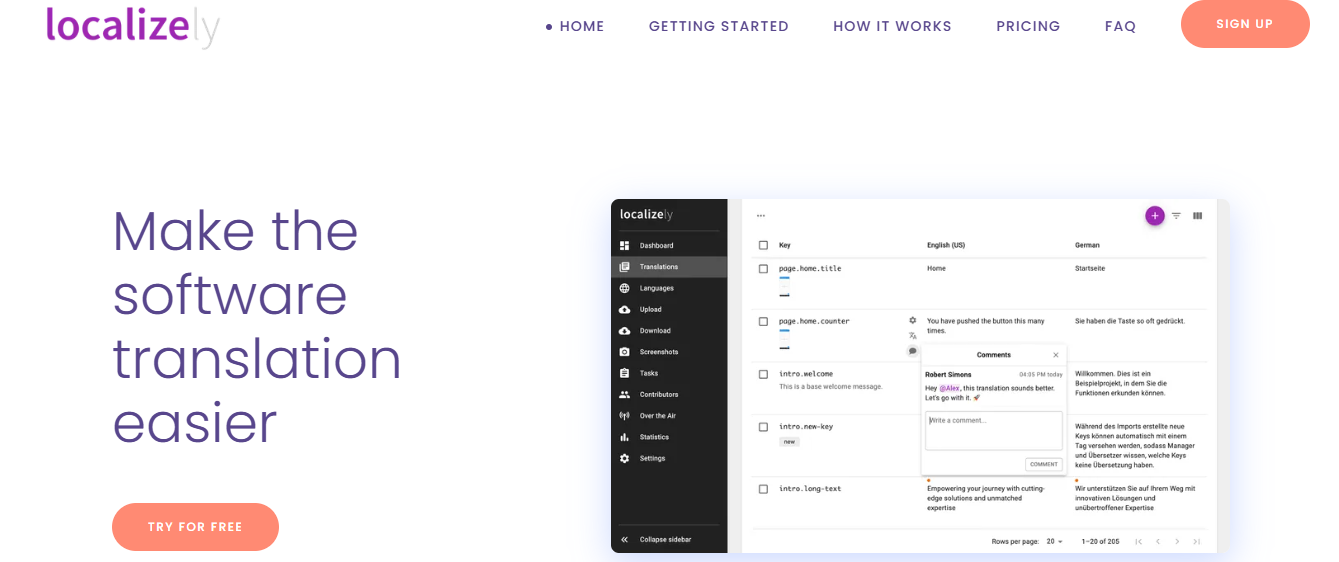
Localizely is a translation management platform designed for developers, SaaS organizations and product groups that are dealing with localization and multilingual applications and websites. Emphasis is given on Collaboration, Localization workflows, and Translation automation. Organizations in need of support for their software localization endeavors usually opt for Localizely, because of its workflow-driven backend architecture.
Localizely facilitate a collaborative approach for localization management, including shared translation environments. Workforces can distribute, assign and review tasks, as well as keep their content consistently translated across multiple languages. These collaboration workflows help to alleviate bottlenecks experienced during software localization efforts.
The platform supports a wide range of translation file formats, and can seamlessly integrate into most modern software development pipelines. Support for multiple translation file formats enhances seamlessness, when it comes to integration with the front-end and back-end of applications. Developers can enjoy easier localization pipeline management.
Translation Memory capabilities are embedded in the software which saves past translation endeavors in a repository. It enables businesses to leverage previous translation memories to reuse them later on. Translation memories enhance translation consistency and eliminate redundant effort of translating content over and over again.
Key Features and Their Functions of Localizely
- Translation memory improves consistency and reduces repetitive work.
- Glossary management maintains multilingual brand terminology.
- API integrations improve localization automation.
- Collaborative workflows simplify team coordination.
- File format compatibility supports modern development systems.
- In-context previews improve translation accuracy.
- Workflow management improves publishing efficiency.
- Developer tooling supports scalable localization.
Pros of Localizely
- Strong developer-oriented workflows
- Excellent collaboration features
- Supports many file formats
- Good automation capabilities
- Translation memory included
- Glossary support available
- API integrations supported
- Scalable for SaaS products
- Efficient localization pipelines
Cons of Localizely
- Less beginner-friendly than WordPress plugins
- Primarily built for developers and SaaS teams
- Website translation setup may require technical knowledge
- Some advanced features require premium plans
- Less focused on non-technical users
6. ConveyThis
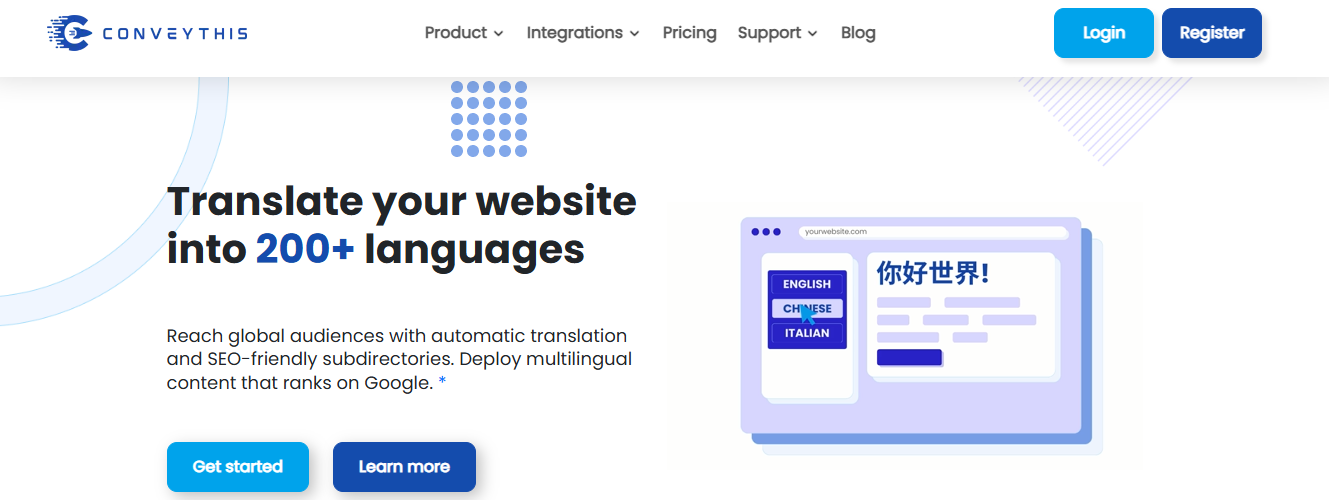
ConveyThis is a professional website localization platform for businesses, bloggers, online stores, and agencies to quickly translate websites without major development efforts. ConveyThis combines machine and human translation services, enabling the businesses to get multilingual websites faster and with good quality.
A major reason why many businesses choose ConveyThis is its support for various CMS, multilingual SEO capabilities and flexible localization workflow.
ConveyThis supports automatic translation of the website in more than 100 languages. Machine translation minimizes the time for producing a multilingual website especially for the business that handles a big amount of content. Translation with the help of automation improves the workflow of developing a multilingual website.
ConveyThis integrates with platforms like WordPress, Shopify, Webflow, Wix, Squarespace, Joomla, custom-made websites, etc. Support for multiple platforms helps the businesses to run the multilingual experience on the various website infrastructures without changing a thing. Integration supports development of localized websites without the technical difficulty.
ConveyThis provides visual translation editor tools that help users to visually translate their content manually. Visual editing allows the user to translate each piece of content and correct any mistranslation if it does not read well according to website layout, hence improving the accuracy and customer faith.
Key Features and Their Functions of ConveyThis
- Automatic translation helps businesses launch multilingual websites faster while reducing manual translation work.
- Visual translation editor improves localization accuracy through contextual editing workflows.
- Multilingual SEO support helps translated pages rank independently in search engines.
- Hreflang implementation improves search engine understanding of language targeting.
- Translated URLs improve multilingual indexing and international click-through rates.
- WooCommerce translation localizes ecommerce experiences for international customers.
- Shopify compatibility improves multilingual ecommerce scalability.
- Automatic language detection personalizes user experiences for global audiences.
- Dynamic content translation localizes forms, widgets, and interactive website elements.
- Customizable language switchers improve multilingual usability and branding consistency.
Pros of ConveyThis
- Supports more than 100 languages
- Easy website integration
- Visual translation editing available
- Strong multilingual SEO features
- Compatible with multiple CMS platforms
- WooCommerce support included
- Shopify localization support
- Automatic language detection
- User-friendly interface
- Supports dynamic content translation
Cons of ConveyThis
- Advanced features require premium plans
- Automatic translation quality may require manual review
- Large websites can increase translation costs
- Some advanced customization may require technical setup
- Cloud-based dependency may not suit all users
Conclusion
The popularity of several Weglot alternatives are growing steadily. These alternatives offer scalability, flexibility, and reliable businesses are seeking.
Multilingual website solutions help brands of all sizes operate in the international market. By localizing your website, you automatically open the door to global customers. Your business will have a better chance to generate more revenue and build a strong multilingual audience-base.
We have revealed the best alternatives to Weglot. Now, you can make your choice based on your long-term strategy, international SEO goals and website structure. Above all, choose a reliable tool that delivers accurate translations.

Comments
0 responsesNo comments yet. Be the first to share your thoughts.