
Powerful Multilingual Features Built for WordPress
Transform your WordPress site into a global powerhouse with our comprehensive translation features. Reach audiences in 100+ languages with just a few clicks.
Core Features That Deliver Results
Everything you need to make your WordPress site multilingual and reach a global audience.
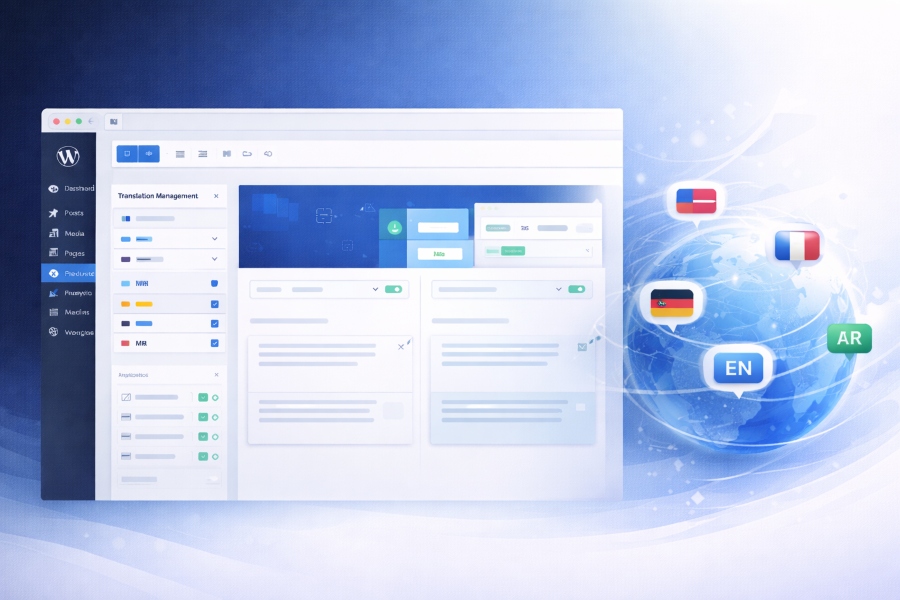
Auto Translation Engine
Advanced AI-powered translation that maintains context and quality across all your content.
WooCommerce Compatibility
Complete multilingual e-commerce support for products, categories, and checkout.
Page Builder Friendly
Works seamlessly with Elementor, Gutenberg, WPBakery and all major builders.
SEO Optimized Structure
SEO-friendly URLs and metadata to boost your international search rankings.
Lightning Fast Performance
Optimized code and smart caching ensure your site stays fast with multiple languages.
Easy Language Switcher
Beautiful language switchers that integrate perfectly with your site design.
Detailed Features Deep Dive
Explore our powerful features in detail and see how they can transform your WordPress site.
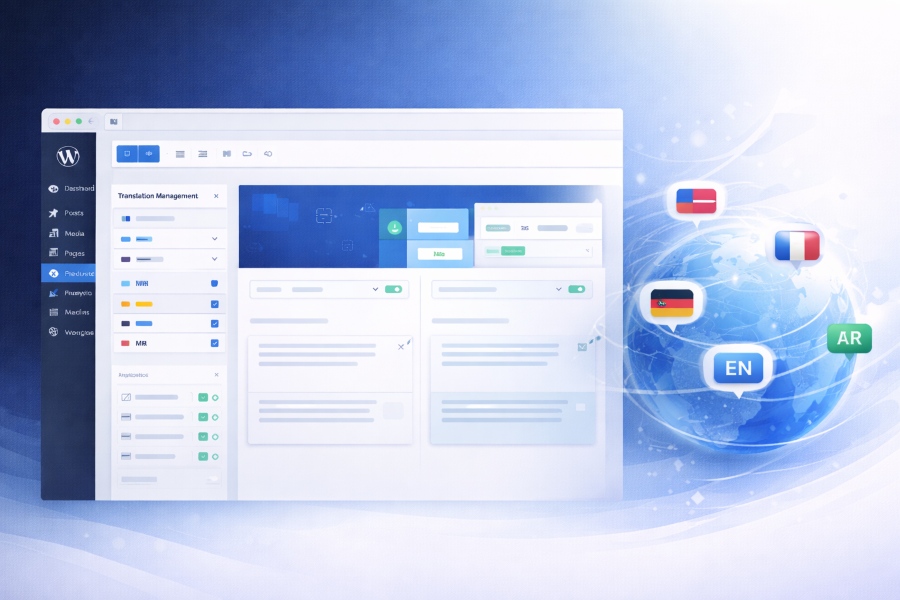
Auto Translation Engine
- AI-powered translation with 95%+ accuracy
- Context-aware translations that preserve meaning
- Support for 100+ languages including RTL
- Automatic detection of translatable content
WooCommerce Compatibility
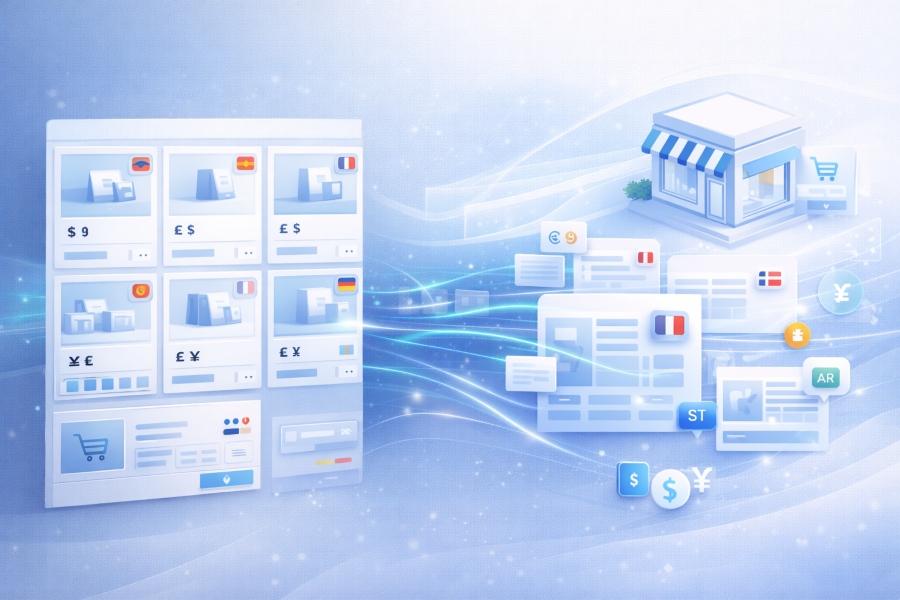
- Complete product catalog translation
- Multilingual checkout process
- Multi-currency support integration
- Product variations and attributes translation
Page Builder Friendly
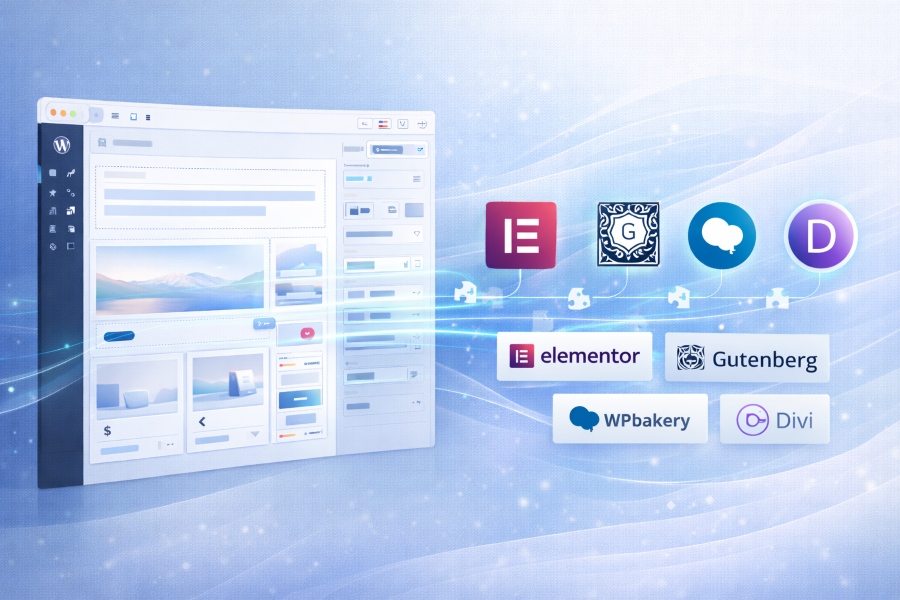
- Elementor compatibility with live editing
- Full Gutenberg block editor support
- WPBakery and Divi integration
- No coding required - just install and translate
Advanced Capabilities
Professional features for demanding multilingual websites.
Manual Translation Editor
Fine-tune translations with our intuitive editor. Edit, approve, or reject translations with ease.
Translation Memory
Save and reuse translations across your site for consistency and faster processing.
RTL Language Support
Full support for right-to-left languages with automatic layout adjustment.
Custom Language URLs
Create SEO-friendly URLs for each language version. Perfect for multilingual SEO.
Menu & Widget Translation
Translate navigation menus and widget content with our specialized tools.
Multisite Support
Manage translations across multiple WordPress sites from a single dashboard.
Role-Based Access
Control who can translate content with granular permission settings.
Automatic Post Translation
Automatically translate new content as soon as it's published on your site.
SEO & Performance Optimized
Rank higher globally while maintaining lightning-fast site speed.
SEO Optimization
- SEO-friendly language URLs
- Indexable translated pages
- Metadata translation
- Hreflang tag implementation
- Canonical URL management
Performance
- Optimized database queries
- Smart caching system
- Lazy loading for translations
- Minimal impact on page load time
- CDN integration ready
Seamless Integration Works Everywhere
WTranslator works perfectly with your favorite WordPress tools and plugins.






Why Choose WTranslator
See how WTranslator compares to manual translation and other tools.
| Feature | WTranslator | Manual Translation | Other Tools |
|---|---|---|---|
| Auto Translation | |||
| WooCommerce Support | |||
| Page Builder Support | |||
| SEO Ready | |||
| Performance Optimized | |||
| Setup Time | < 5 minutes | Weeks | Hours |
| Cost | Affordable | Very High | Expensive |
Perfect For Every Website
Whether you're a small business or a large enterprise, WTranslator has you covered.
E-commerce Stores
Sell globally with multilingual product pages and checkout. Expand your market reach and increase international sales.
Agency Websites
Manage multiple client sites with our multisite support. Deliver multilingual projects faster and more efficiently.
Blogs & Publishers
Share your content with the world. Translate articles, posts, and media to reach a global audience.
SaaS Landing Pages
Convert international visitors with localized landing pages that speak their language and address their needs.
Frequently Asked Questions
Got questions about our features? We've got answers.
Our AI-powered translation engine achieves 95%+ accuracy for most content types. For specialized terminology or nuanced content, you can use our manual translation editor to fine-tune the translations to perfection.
Yes! While our auto translation is highly accurate, we provide an intuitive manual translation editor that allows you to fine-tune any translation. You can edit, approve, or reject translations with full control over the final output.
No, WTranslator is built with performance in mind. We use smart caching techniques and optimized code to ensure your site remains fast even with multiple language versions. Our performance score is 98%, with minimal impact on page load time.
Yes, WTranslator has complete WooCommerce support. It translates product titles, descriptions, categories, attributes, variations, and even creates a multilingual checkout process. Your customers can shop in their preferred language with a localized experience.
Absolutely! WTranslator provides full support for right-to-left (RTL) languages like Arabic, Hebrew, and Persian. The plugin automatically adjusts the layout, text direction, and UI elements to display correctly in RTL languages.
Yes, you have full control over which content to translate. You can choose to translate specific pages, posts, categories, or even custom post types based on your needs. This selective translation approach helps optimize resources and focus on your most important content.
Make Your WordPress Site Multilingual Today
Join thousands of WordPress site owners who've expanded their reach with WTranslator. Start your global journey in minutes.