


Open this article in your preferred AI assistant. ChatGPT and Perplexity receive the prompt directly; Gemini and Claude open while the same summary prompt is copied for you.
If you’re seeking SEO-optimized, scalable, and automated Polylang alternatives, you’re in the right place. While Polylang is a reliable plugin, many growth-oriented users outgrow the plugin’s workflow.
The growth of global competition is prompting website owners to shift towards platforms that deliver faster translation workflows and greater multilingual SEO control. Website owners are seeking translation platforms that integrate seamlessly with modern tools such as page builders and WooCommerce.
The myriad multilingual plugins out there make making the right choice more confusing for website owners. That’s why we crafted this post. We have handpicked the top translation plugins that can rival Polylang. Check them out.
Key Stats That Shows The Importance of Implementing A Multilingual Strategy
These statistics shows why you should have a solid multilingual strategy for your website.
Presenting content in your target audience’s local language can have a positive impact on your brand visibility, revenue and credibility.
Here are clues from some key stats:
- 2% of consumers claim the ability to get product information written in their own local language is more important than the product’s price.
- 60% of global consumers enjoy and would prefer browsing a website in their own local language, as it improves user experience.
- Multilingual content has 2X higher share rate on social media platform, improving brand visibility and traffic.
- Multilingual websites are viewed as more customer-centric and inclusive.
- 1% of consumers are more likely to purchase a product written in their local language.
- Businesses that have their websites localized are likely to experience an average conversion rate increase of 70%.
Localizing your website will enable you to expand to the international market effortlessly. The interesting thing is that you don’t need a huge budget for this. Many of the multilingual plugins are affordable, and boast advanced automation features.
7 Best Polylang Alternatives (A Quick Summary)
| Translation Tool | Pros | Cons | |
| 1. | WTranslator (Editori’s Choice) | AI-powered automatic website translation, Context-aware translation technology, WooCommerce multilingual compatibility, SEO-friendly multilingual URLs, Search engine indexing for translated pages, Smart caching for faster performance | Some advanced features are limited to paid plans, Premium multilingual SEO features require higher-tier subscriptions |
| 2. | WPML | Advanced workflow management, Works with most page builders, Supports professional translation services, Flexible translation control | Steep learning curve for beginners, Can affect performance if not optimized, Requires add-ons for full functionality, Complex setup process |
| 3. | Weglot | Very fast setup, No coding required, Works across multiple platforms, Real-time translation updates, Easy dashboard interface, Scalable SaaS solution | Subscription-based pricing, Requires external service dependency, Can become expensive at scale, Less control than self-hosted plugins |
| 4. | GTranslate | Supports many languages, Easy WordPress integration, Suitable for beginners, Reduces manual translation effort | Free version has limited SEO value, Advanced SEO features require paid plans, Premium features required for full functionality, Machine translation quality may require editing |
| 5. | MultilingualPress | Strong performance for large websites, Developer-friendly structure, Stable WordPress core integration, Suitable for enterprise projects, Highly scalable multisite architecture | Complex setup process, Not beginner-friendly, Higher maintenance overhead, Needs WordPress Multisite knowledge |
| 6. | Loco Translate | Lightweight plugin, Ideal for developers, Simple translation interface, Full control over translation files | No automatic translation features, Not suitable for full website translation, Limited multilingual SEO capabilities, Not designed for WooCommerce multilingual stores |
| 7. | ConveyThis | Fast multilingual setup, SEO-friendly architecture, Easy WordPress integration, Cloud-based scalability, Simple dashboard interface | Subscription-based pricing, Machine translation requires editing, Dependent on external cloud service, Less control than manual translation systems |
Here are the best Polylang alternatives you should consider migrating to. You’ll get a multilingual solution that is scalable, WooCommerce compatible, flexible, simple, reliable, and budget-friendly.
1. WTranslator:
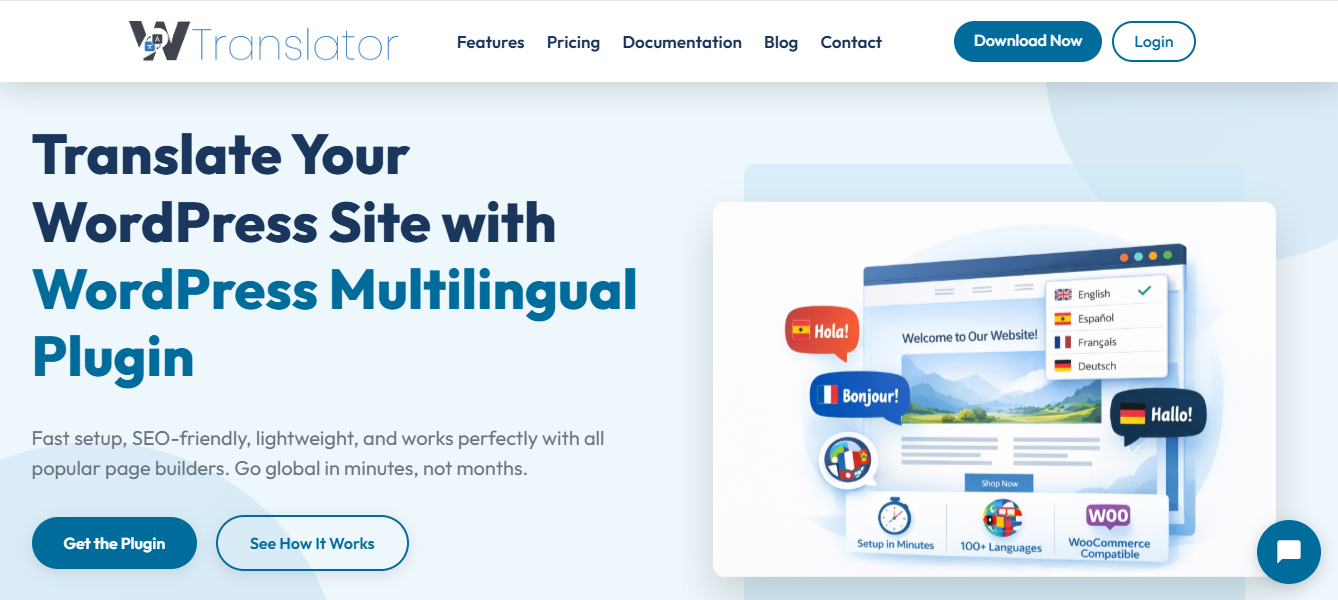
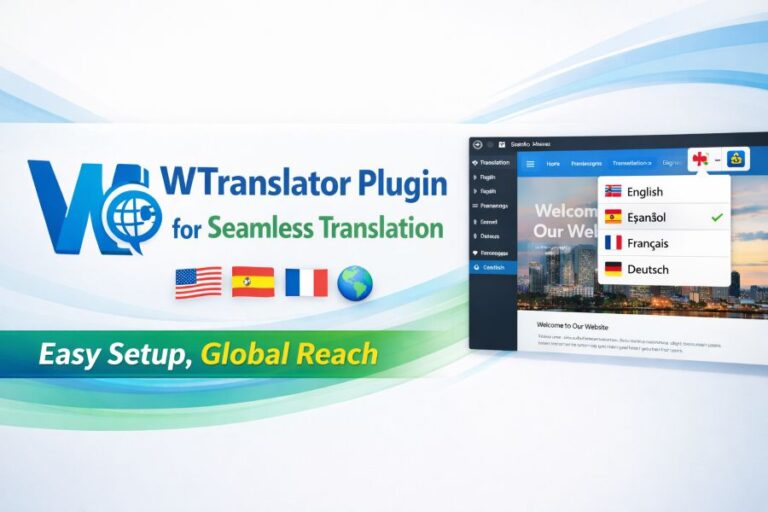
WTranslator is a WordPress plugin that translates your website content into other languages, leveraging AI-powered translation technology. It delivers a simple yet powerful solution for creating multilingual websites and enabling businesses to reach global customers with quick and accurate translations.
It uses translation memory to store and reuse previously translated content on the website. This feature can help to maintain consistency throughout the website and minimize repetitive translation work for certain phrases.
This platform provides SEO-friendly URLs for translated pages. This allows you to have a unique, search-engine-optimized URL for each language, thereby boosting international SEO and search rankings in localized search results.
WTranslator is easy to setup. Businesses can use the plugin to build multilingual WordPress websites without any coding knowledge, eliminating technical hurdles for global expansion.
The platform is WooCommerce compatible. It also works by translating the whole product catalog, cart, checkout process, and order emails. This ensures customers have a seamless experience on an international e-commerce site.
WTranslator is a performance-oriented solution. It includes a smart caching system and is built on lightweight code to maintain website speed.
Pros of WTranslator
- AI-powered automatic website translation
- Context-aware translation technology
- WooCommerce multilingual compatibility
- SEO-friendly multilingual URLs
- Search engine indexing for translated pages
- Smart caching for faster performance
- Lightweight plugin architecture
- No coding required for setup
Cons of WTranslator
- Some advanced features are limited to paid plans
- Premium multilingual SEO features require higher-tier subscriptions
2. WPML:
WPML is a popular WordPress plugin for professional translation of multi-lingual websites. It provides workflow management, which allows you to share your translation jobs across several members of your team.
The plugin translates post, pages, including product descriptions. It makes your entire website localized across each content type. You can even integrate WPML with WooCommerce for translating products for an experience similar to your default language’s site when shopping, and with translation plugins for multilingual SEO optimization to make you rank higher on the search engines.
You can set up multi-lingual URL structure for better indexing by search engines, and you can use the translation workflow approvals tool for maximum translation quality before publishing. It lets you integrate with translation agencies and services such as DeepL for increased translation efficiency, and with multi-lingual media files to manage images, audio, and video.
Pros of WPML
- Excellent multilingual SEO support
- Scalable for large websites
- Advanced workflow management
- Works with most page builders
- Supports professional translation services
- Flexible translation control
- Strong enterprise-level translation system
Cons of WPML
- Steep learning curve for beginners
- Can affect performance if not optimized
- Requires add-ons for full functionality
- Complex setup process
3. Weglot
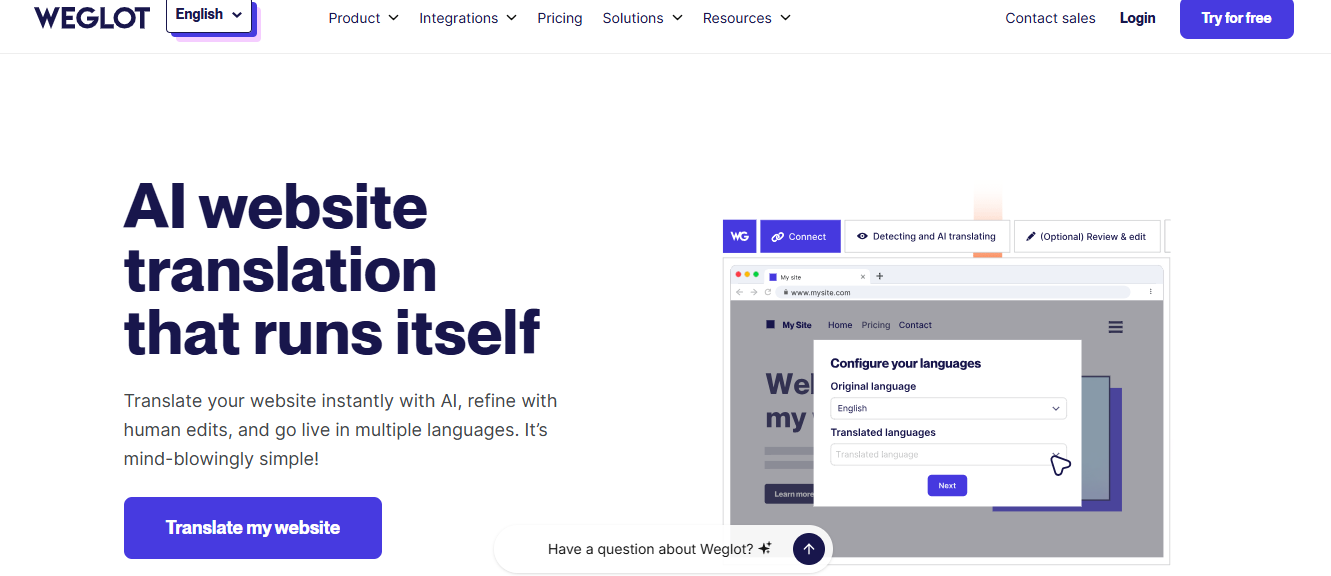
Weglot is a SaaS-based translation tool that works with WordPress. It automatically translates your website into several languages. The software also allows for the use of SEO-friendly, multilingual URL structures with either subdirectories or subdomains, thereby enabling search engine indexing for various languages.
It automatically inserts Hreflang tags which allow search engines to offer the relevant language to users. The software integrates well with WordPress and other CMS so you can have a multi-platform site as well as a translated WordPress.
Weglot automatically detects all the elements on your website and translates them into your preferred languages. This enables you to set up your translated site very quickly without manual intervention.
Additionally, it gives you access to a visual editor. This enables you to review machine translated text so that you can correct and adjust the wording to achieve a perfect and natural flow. It also lets you edit machine translated content to improve its quality.
It enables the translation of multilingual meta information on your website so that your translated sites achieve higher SEO performance. It can auto-detect and translate any new content.
Weglot has one central control panel where you can manage all of your translations in one place and also supports language switchers. It supports teamwork, thereby enabling collaborative translation workflows. One of its main advantages is the speed of installation when contrasted with traditional, manual translation plugins.
Pros of Weglot
- Fast setup
- No coding required
- Works across multiple platforms
- Real-time translation updates
- Easy dashboard interface
- Scalable SaaS solution
- Strong SEO support (hreflang, URLs)
- Fully automated translation system
Cons of Weglot
- Subscription-based pricing
- Requires external service dependency
- Can become expensive at scale
- Less control than self-hosted plugins
4. GTranslate
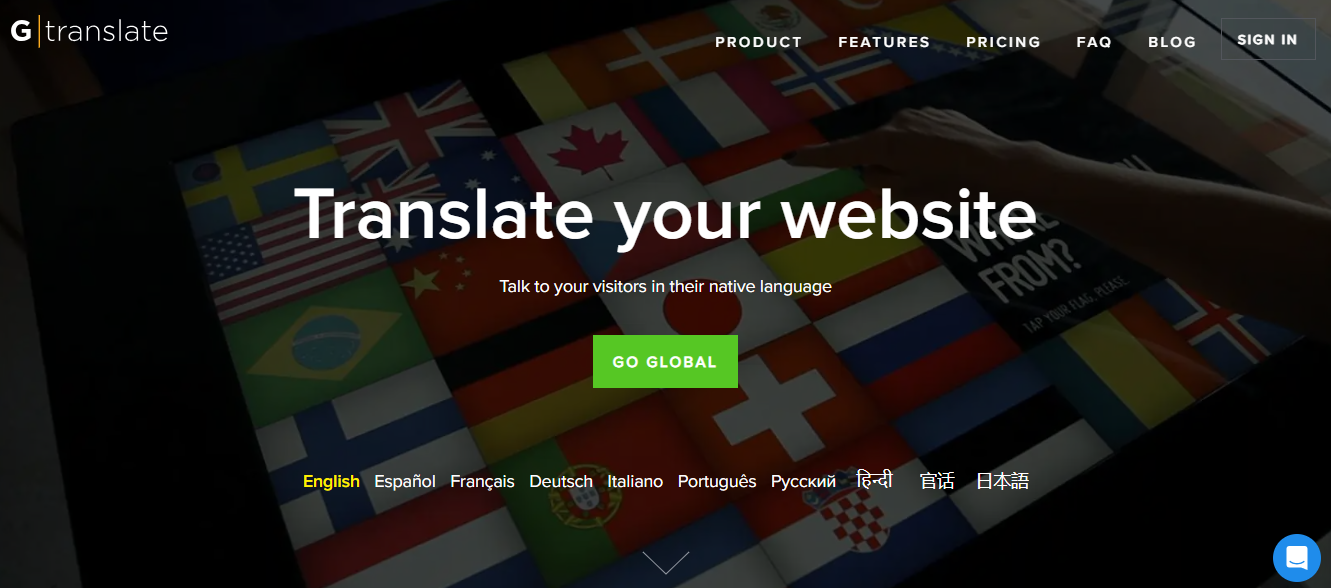
GTranslate is a WordPress translation plugin that automatically translates the entire website in multiple languages using Google Translate technology. It includes SEO-friendly translated pages with the paid versions, so the translated content can be indexed by search engines. This makes your translated content visible in global search results.
It boasts features that help users switch between languages, making it more user-friendly. Visitors can select their preferred language at any time while browsing the website. The platform supports language switching on your website, improving its accessibility. You can translate your URLs, such as sub-directories and sub-domains, in the advanced and premium versions, boosting global SEO ranking.
GTranslate automatically translates your website content using machine translation. This makes creating an international website in multiple languages as quick and easy as possible. It also integrates easily into your WordPress website.
With the visual editor in the premium version, you can correct any mistranslations. This boosts the readability and understandability of your translations. The platform also supports a wide array of languages thanks to Google Translate.
When you update your website, the translated content will be updated automatically, so there is minimal maintenance required on your translated websites, and a language switcher widget is included. The platform also uses cloud-powered machine translation, so it does not strain your website’s server and reduces the workload on your own installation.
The system supports manual translation fixes. If you need to change things manually, you can. However, note that corrections are only possible with the premium plan.
Pros of GTranslate
- Very fast setup process
- Supports many languages
- Easy WordPress integration
- Suitable for beginners
- Reduces manual translation effort
- Automatic translation via Google Translate
- Cloud-based processing reduces server load
Cons of GTranslate
- The free version has limited SEO value
- Advanced SEO features require paid plans
- Premium features required for full functionality
- Machine translation quality may require editing
- Less control compared to manual translation plugins
5. MultilingualPress
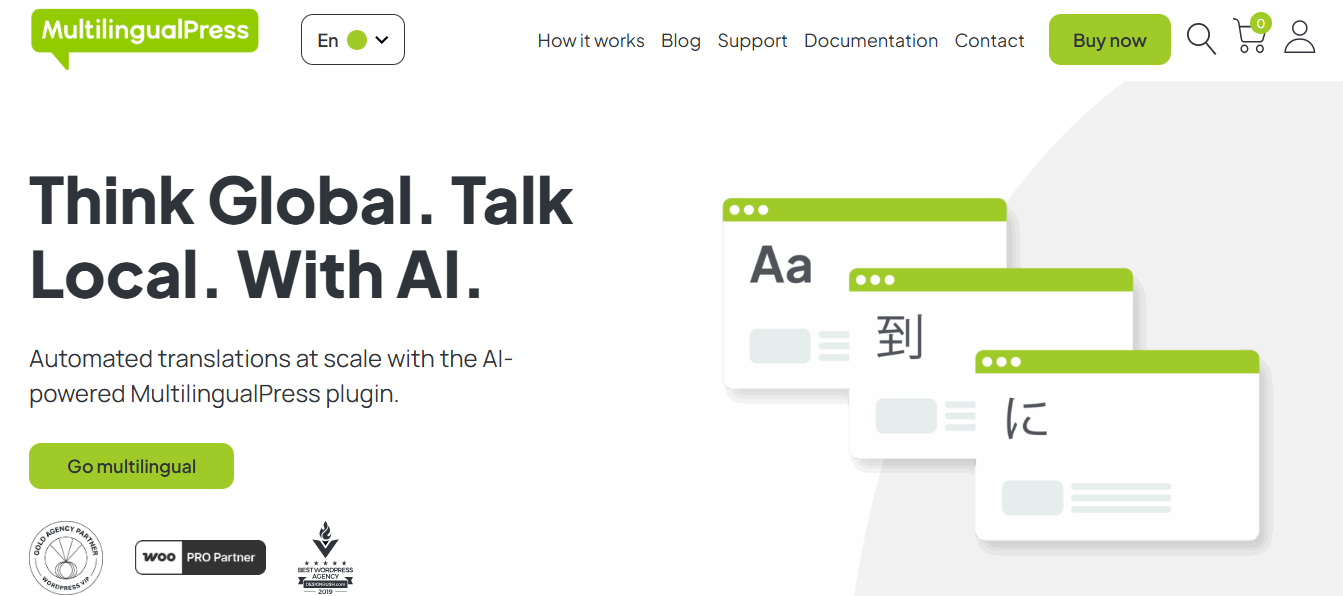
This comprehensive translation plugin is also built for WordPress platforms. Its main feature includes linking translations of content on different sites. This ensures a logical structure for the multilingual site. It offers the option to allow each language to behave as an independent WordPress website. This reduces the load on the database, which is crucial to improving performance.
It allows managing multilingual stores using WooCommerce multisite setups, where each language site can have a dedicated experience, and also enables optimizing page content for each language separately to improve SEO.
MultilingualPress uses the multisite structure to manage large multilingual sites with scalability and distinctiveness. It uses WordPress’s default translation mechanisms, so the content structure is not altered, preventing compatibility issues.
It allows synchronizing translations across sites, thereby enhancing the workflow. Other options for translators include link translations with the ability to associate posts, along with translation media management via the multisite network.
This platform differs in some areas. One of them is that it helps define separate user roles for each site on your multilingual website. It is a platform specifically for developers and enterprise-level sites where scalability is important.
Pros
- Strong performance for large websites
- Developer-friendly structure
- Stable WordPress core integration
- Suitable for enterprise projects
- Highly scalable multisite architecture
- Independent language site control
- Good SEO flexibility per language
Cons
- Complex setup process
- Not beginner-friendly
- Higher maintenance overhead
- Needs WordPress Multisite knowledge
- Requires careful server configuration
6. Loco Translate:
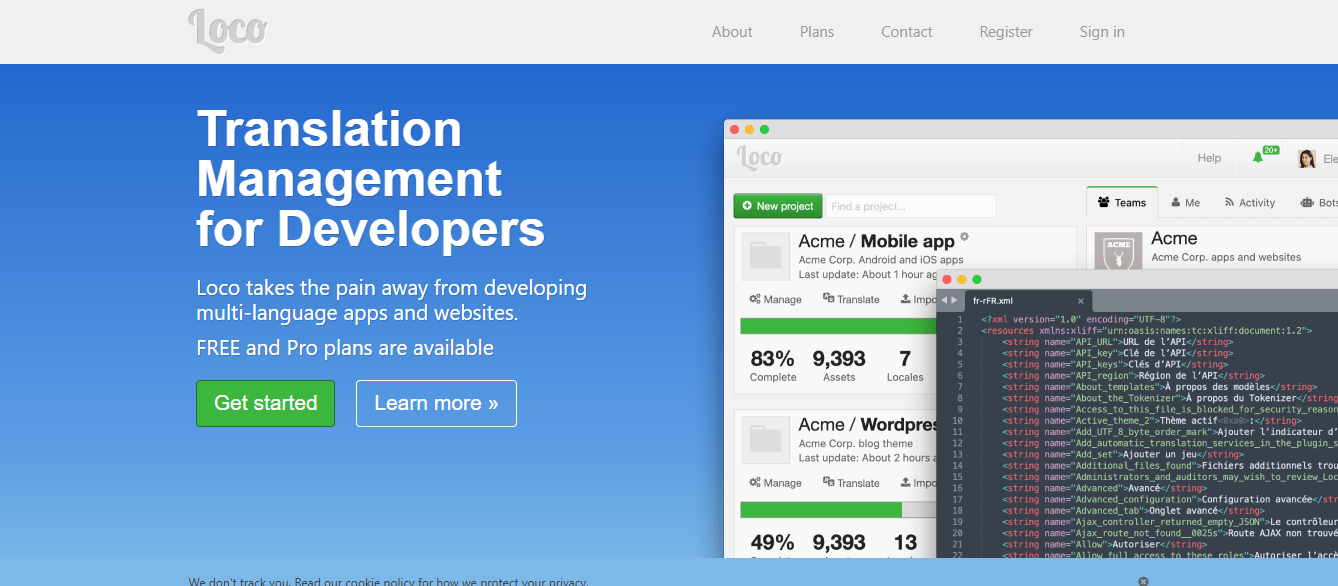
Loco Translate is a wordpress translation plugin which provides in-browser editing to translate your themes or plugins right from the wordpress dashboard. Each of your themes or plugins can contain multiple language files making each localization easier. If your main aim is the translation of themes or plugins rather than the whole site, this platform is made for you.
It provides translation file editing directly inside the browser. This way, it allows you to translate your theme or plugin without leaving the wordpres backend. Also, it provides the support of PO and MO file editing as they are standard for wordpres translations. This make it compatible with all the themes and plugins.
One can simply edit the files and save their translation without having an access to the FTP and risking it with other plugins on your dashboard. There are various other translation plugins on the internet which use API calls. Loco Translate is not one of them as it does not requires API and is totally self hosted. It is even able to integrate with the WordPress localization systems.
Loco Translate is a WordPress translation plugin that helps to translate themes and plugins within the admin area of the wordpress website. Many developers commonly utilize this for simple, low-level translations.
It contains an organized management of translation files which allow you to manage your language files more easily. It is able to extract all translatable strings within your theme or plugin thus the job gets completed in less time.
It includes export and backup of translation files. So if you want your files saved somewhere else, you can simply export or back up their language files.
Pros
- Lightweight plugin
- Ideal for developers
- Simple translation interface
- Full control over translation files
- No external API dependency
- Works with most WordPress themes/plugins
Cons
- No automatic translation features
- Not suitable for full website translation
- Limited multilingual SEO capabilities
- Not designed for WooCommerce multilingual stores
- Requires technical understanding of WordPress localization
7. ConveyThis
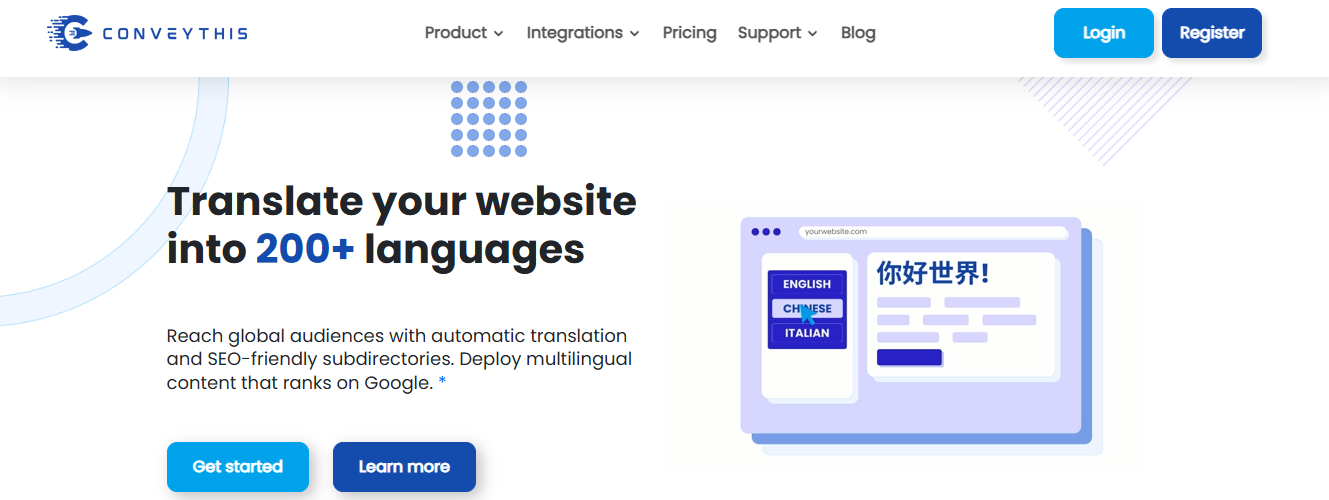
ConveyThis is yet another popular plugin in the market. It is cloud based and provides automatic multilingual website translation of WordPress and websites based on other platforms. It comes with a visual translation editor that helps in refining the machine translated content for accuracy and readability.
The platform provides auto translation of website whenever new content is added. This helps reduce maintenance work required from website owner’s side. The plugin supports multilingual SEO features like language specific URLs and hreflang tags to enable search engine indexing of translated content. It can translate in more than one language so it would be perfect for global websites.
ConveyThis translates the content from your website automatically to multiple languages which helps in getting your multilingual website online in quick time. It also supports integration with WordPress through a plugin which makes its installation an easy task for the website owners.
This translation plugin allows manual translation of the translated content, which enhances the quality of the translated content. It has options to customize language switcher to give a user-friendly experience to the readers of the translated content. It also has support for other than WordPress modern CMS.
The ConveyThis platform gives you access to a centralized dashboard for the translation management of all the languages of your website. It also has a scalable architecture that provides support for the growing needs of your website. It supports SEO indexing for translated content.
Pros
- Fast multilingual setup
- SEO-friendly architecture
- Easy WordPress integration
- Cloud-based scalability
- Simple dashboard interface
- Automatic translation system
- Supports many languages
Cons
- Subscription-based pricing
- Machine translation requires editing
- Dependent on external cloud service
- Less control than manual translation systems
Creating a Multilingual WooCommerce Store That Converts ( What You Need To Do)
Building a multilingual WooCommerce store isn’t only about translating products, it’s about building a local experience that enhances customer trust, ease-of-use and increases the store’s conversion rate across all countries.
WooCommerce’s ecommerce function is already solid, but when combined with multilingual plugins, a store owners will need to think about product translation, localization of the checkout process and of the website’s SEO structure.
Strategy to translate products:
In a multilingual WooCommerce store, each product needs to be translated. The translation should bring about a change in language, and meaning as well.
The products’ titles, descriptions, and attributes should correspond with the buying behavior of the customers in the region, not simply a literal translation.
This way, the user will trust the products more and be less confused about purchasing them. Furthermore, the product will be visible in search engines in each country.
Localized currencies and prices:
The shop’s currency can be easily changed in WooCommerce with plugins and extensions, but a localized payment price will attract more customers to the website. Users are more trusting when they pay in their local currency.
Local prices can help reduce friction in the purchase process and provide clarity for international buyers.
Optimizing the checkout process for multilingual customers:
The checkout pages should be fully translated and adapted to local customs. Labels, errors, and payment instructions should also be translated.
Poorly translated checkout pages lead to more abandoned baskets, especially when the products are intended for different countries.
The SEO structure of an ecommerce with multiple languages
A successful multilingual store uses elements such as:
- Language-specific URLs
- hreflang attributes
- Translated metadata
This ensures that the correct versions of product pages are served to users by search engines.
Building trust in the local markets:
A high conversion rate on a localized store should have some localized elements such as:
- Local shipping data
- Local returns information
- Local testimonials
These elements remove uncertainty for buyers in a foreign market.
Optimize performance on global stores:
Multilingual shops tend to have more pages and more database queries. That’s why caching mechanisms and lightweight translation systems are crucial for maintaining swift checkout speeds.
Switching from Polylang: a migration process without ranking drops in SEO
The migration from Polylang to alternative solutions requires caution to avoid losing organic traffic, breaking URLs, or compromising the multilingual SEO architecture.
Here, we shared steps you can follow for a successful migration from Polylang to other alternatives.
Step 1: Analyze the current multilingual configuration
Before proceeding with the migration, you need to:
- Identify all translated pages
- Record their respective URLs
- Make sure the hreflang tags are in place
- Look at internal links usage patterns
This ensures you don’t lose any important data when migrating to the new plugin.
Step 2: Select an appropriate multilingual plugin
Good migration targets include:
- WTranslator
- Weglot
These use their own mechanisms for translation management and thus require a mapping between the old and new translation structures.
Step 3: Ensure consistent URL structure
One crucial area of search engine optimization for multilingual websites is proper URL management, especially if the URL structures will be modified.
The right 301 redirects are crucial for successfully migrating existing organic traffic to new URLs or preventing rank loss in the eyes of search engines.
Step 4: Recreate the hreflang tags
The Hreflang tags need to be set up again, correctly, with the new multilingual plugin in place to enable Google to identify language relationships.
Incorrect hreflang setup might even lead to duplicate indexing issues.
Step 5: Test crawling and indexing status
Following the transfer to the new plugin:
- Submit your new sitemap to Google
- Watch the results in the Google Search Console
- Check how each page’s indexing is doing for every language
This verification helps to detect problems if search engines fail to properly crawl and index your site.
Step 6: Monitor organic traffic and rankings
Once the transition is complete, keep a close eye on your organic traffic and rankings. This helps to identify:
- Drops in rankings
- Indexing failures
- Broken internal links
Conclusion
Website owners are increasingly becoming interested in Polylang alternatives. These alternatives support automated, scalable, and SEO friendly multilingual systems. Although Polylang is still and will remain a very decent system for manual translation, modern translation plugins offer a much faster workflow, better performance, and much stronger multilingual SEO capabilities.
Note that the translation tools discussed boast their pros and cons. We have highlighted them to help you make a choice. Whether it is the performance, automation of the process, or merely controlling the translation process, you will find a translation plugin that meets your needs.
Efficient and accurate website translation can help you dive into the international markets. It will make your page a top destination for non-native speakers, boosting revenue and reputation. However, choosing the right translation tool makes all the difference.
FAQ’s for Polylang Alternatives
1. What multilingual plugins are the best Polylang alternatives?
Many decent Polylang alternatives exist. However, WTranslator is considered one of the best. The platform lets you translate pages, posts, menus, and product description effectively. Website owners choose this alternative because of its automatic translation, WooCommerce compatibility, language switchers, and easy setup. Translation accuracy is also another feature that sets this tool apart, and make it one of the best alternatives to Polylang.
2. Why are many website owners looking for Polylang alternatives?
While Polylang is a decent tool, the platform doesn’t have features most modern alternatives boasts. Most website owners are moving to alternatives that offer strong WooCommerce integration, automatic translation support, and scalability. Another thing fueling the migration from Polylang to other alternatives is the quest for translation platforms that supports major WordPress themes and page builders, dedicated customer support, and faster setup.
3. Is WTranslator better than Polylang?
While both tools are budget-friendly and lightweight, WTranslator trumps Polylang in several aspects. This cloud-based platform is compatible with every page builder. Setup is quick and easy, as it doesn’t require technical knowledge. It also delivers advanced translation management and better scalability for the price.
4. Which of the Polylang alternatives is the easiest for beginners and non-technical users?
WTranslator is the simplest translation plugin for beginners and non-technical users. It features an easy-to-understand interface and doesn’t require complex technical setup. It can translate pages, posts, and even product descriptions accurately. Automatic translation and WooCommerce stores support makes it a valuable translation tool.
5. Which Polylang alternative is a wise choice for WooCommerce stores?
WTranslator tops the chart. Ability to accurate translate product descriptions, currencies, and SEO metadata while still maintaining a solid online shopping experience makes it one of the best WooCommerce translation plugins for brands looking to expand into the international market.
6. Do Polylang alternatives provide automatic website translation?
Yes, many alternatives to Polylang do. They offer automatic translation, helping users reduce the workload of manual translation. For example, WTranslator automatically translates your website pages, product descriptions, and policy document and currencies. Automatic translation makes multilingual website launching quick, saves time, and enable brands to expand into international markets with ease.
7. Which Polylang alternative is a great choice for larger websites?
WTranslator is a decent choice for larger companies as it provides strong SEO capabilities, and scalable multilingual management. The platform also boasts decent customer support, and automatic translation feature, making it easier for brands to expand into the international market. Easy setup ensures large teams who don’t have technical employees or have but are engaged, don’t need to worry about learning new too. That’s because of the platform’s simplicity.
8. Does WTranslator support page builders?
Yes, it does. Many top website translation platforms like WTranslator supports popular page builders like WPBakery, Divi, Elementor, including Beaver. They integrate with the page builders, making multilingual website creation effortless. This ensures you can translate your website including the bottom area of the website, footer, dynmic content without breaking website functionality.
9. Are free website translation plugins worth using?
It depends absolutely on your needs. Do you have a large website portfolio? Are you an established brand? Or, you’re a small brand that wants international market visibility? Small brands are often comfortable using basic features. However, if you want advanced such as WooCommerce integration, advanced SEO, reliable customer support and automatc translation capacity, then go for the premium plans.

Comments
0 responsesNo comments yet. Be the first to share your thoughts.