
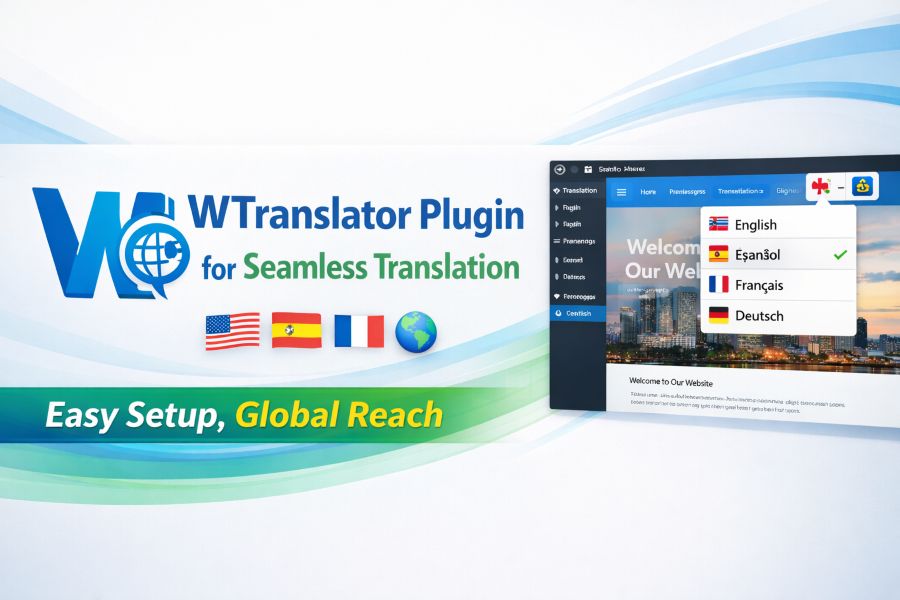
In today’s global digital landscape, having a multilingual website is crucial for expanding your audience. A seamless translation experience can enhance user engagement, boost SEO rankings, and ensure your content resonates with diverse audiences.
One tool that stands out in this realm is the WTranslator WordPress translation plugin, designed to make translation simple and efficient. By offering automatic translation and various language management features, it helps website owners optimize their multilingual presence with minimal effort.
In this article, we will explore the key features and benefits of the WTranslator plugin and how it can transform your WordPress site into a multilingual powerhouse.
Features of the WTranslator Plugin
The WTranslator WordPress translation plugin brings a host of powerful features aimed at simplifying the translation process. It allows you to translate your WordPress site automatically with just a few clicks. This plugin supports multiple languages, ensuring that your site can cater to a global audience without the need for manual translation.
It seamlessly integrates with your WordPress site, offering an intuitive interface that makes it easy for even beginners to manage their translations. Additionally, it supports various translation services, ensuring that your content is accurately translated. This makes it an excellent choice for businesses and individuals looking to expand their reach across different regions. With WTranslator, you can easily translate your WordPress site automatically, providing a smooth and efficient experience for both site administrators and users.
Why Choose WTranslator for Your Website Translation?
When deciding on a translation plugin, it’s important to consider factors like ease of use, accuracy, and support for SEO. WTranslator excels in these areas, offering seamless integration and a user-friendly interface. The plugin also allows for real-time translations, ensuring that any updates or new content are translated immediately, keeping your website current and relevant.
Another advantage of the WTranslator WordPress translation plugin is its compatibility with popular SEO plugins. It ensures that your translated content remains optimized for search engines, helping you maintain high search rankings across multiple languages.
The Benefits of Using WTranslator for WordPress
WTranslator simplifies the complexities of maintaining a multilingual website. Unlike other translation plugins, which may require you to manually enter translations for each page, WTranslator offers automatic translation, reducing the workload and making the process more efficient.
For businesses with global audiences, this feature is invaluable. You can manage your multilingual website more efficiently, save time, and focus on other aspects of your business. By providing an easy way to translate content, the WTranslator plugin helps ensure that your website caters to international users without additional effort.
Easy Setup and Integration
Setting up the WTranslator WordPress translation plugin is incredibly easy. The installation process is straightforward, requiring just a few steps. Once installed, the plugin automatically detects your content and translates it based on your language settings.
The integration process is smooth, ensuring that there are no disruptions to your existing website design. It works well with a variety of themes and plugins, meaning you don’t have to worry about compatibility issues. With its seamless integration, WTranslator is a hassle-free solution for those looking to expand their site’s language options.
Enhance User Experience with Multilingual Support
One of the standout features of the WTranslator plugin is its ability to provide a localized user experience. By translating your site into multiple languages, you make it easier for visitors from different regions to engage with your content. Whether you’re running an e-commerce store, a blog, or a corporate website, offering multilingual support can significantly enhance the user experience.
Additionally, multilingual websites often perform better in local search results, helping you attract a broader audience. With WTranslator, you can rest assured that your translations will be accurate and contextually appropriate for each language, improving the overall user experience for all visitors.
WTranslator’s Multilingual SEO Capabilities
The importance of SEO in today’s digital marketing cannot be overstated. WTranslator understands this need and is optimized to work seamlessly with SEO plugins like Yoast SEO and RankMath. This ensures that your translated content is properly indexed and ranked by search engines, improving your visibility in different language markets.
By utilizing the multilingual features of WTranslator, you can effectively target specific regions and languages, increasing your chances of ranking higher in localized search results. The plugin ensures that all SEO elements, such as metadata, are properly translated, giving you the best chance to succeed in international markets.
Customizable Translation Options
WTranslator offers flexible translation options, allowing you to customize the way your content is translated. You can choose from automatic translation or manually edit the translations to ensure accuracy. This feature is especially useful for businesses that want to maintain control over the tone and voice of their content.
Additionally, the plugin supports multiple languages, allowing you to easily switch between different language versions of your website. This flexibility makes WTranslator a great choice for websites with diverse content needs.
Support and Documentation
Another benefit of using the WTranslator WordPress translation plugin is the extensive support and documentation available. The plugin offers detailed guides and tutorials to help you get started, as well as responsive customer support to address any issues you may encounter.
Whether you need help with installation, configuration, or troubleshooting, WTranslator provides comprehensive resources to ensure a smooth experience. With excellent customer support, you can confidently rely on this plugin to meet your website’s translation needs.
Why Multilingual Websites Are Important
In the digital age, a multilingual website is a vital tool for businesses aiming to expand their reach. With millions of potential customers around the world, it’s important to break down language barriers and communicate effectively with international audiences.
A multilingual website helps you tap into new markets and improve engagement with visitors who prefer to browse in their native language.
WTranslator makes this process simple, providing a straightforward solution to create a multilingual site. By enabling you to automatically translate your WordPress site, it opens up new opportunities for growth and visibility in international markets.
Conclusion:
In conclusion, the WTranslator WordPress translation plugin is a powerful tool for anyone looking to expand their website’s global reach. With its ease of use, automatic translations, and robust SEO features, WTranslator simplifies the process of creating a multilingual website.
Whether you’re running a small blog or a large e-commerce store, this plugin can help you break down language barriers and connect with a wider audience. To start translating your site automatically, try WTranslator and take your website to the next level of global engagement.
FAQs
How does the WTranslator WordPress plugin work?
WTranslator automatically translates your WordPress website content into multiple languages, making it easy to reach a global audience. It integrates seamlessly with WordPress, offering automatic and manual translation options with minimal setup.
Can I use WTranslator with any WordPress theme?
Yes, WTranslator is compatible with most WordPress themes. The plugin integrates smoothly, ensuring the translation process does not interfere with your website’s design or functionality and providing a hassle-free experience.
Does WTranslator offer automatic translations?
WTranslator provides automatic translations powered by advanced translation technology, saving you time. You can further customize the translations or manually adjust them to maintain accuracy, ensuring your website content fits local preferences and culture.
Is WTranslator compatible with SEO plugins?
Yes, WTranslator is fully compatible with popular SEO plugins like Yoast SEO and RankMath. It ensures your translated content retains SEO optimization, helping your multilingual pages rank better in search engines across languages.
How many languages can I translate my WordPress site into with WTranslator?
WTranslator supports a wide range of languages, allowing you to translate your WordPress website into multiple languages. You can easily add new languages and switch between them, expanding your reach to international audiences.
Can I manually edit the translations made by WTranslator?
Yes, WTranslator allows you to manually edit automatic translations. You can adjust the translations to better fit your tone, context, or specific market, ensuring the content accurately represents your brand’s voice.
Does WTranslator affect my website’s speed?
WTranslator is designed to operate efficiently, ensuring that your website’s speed and performance are not negatively impacted by the translation process. The plugin works seamlessly without adding unnecessary load time.
How easy is it to install WTranslator on my WordPress site?
WTranslator is easy to install with a straightforward setup process. Simply download the plugin, activate it on your WordPress site, and start translating your content with minimal configuration required, even for beginners.
Can WTranslator handle e-commerce websites?
Yes, WTranslator is ideal for e-commerce websites. It integrates well with WooCommerce, allowing you to translate product descriptions, pricing, checkout pages, and more, ensuring that your online store caters to a global audience.
Is there support available for using WTranslator?
WTranslator provides excellent customer support. If you encounter any issues or need help, you can access detailed documentation, FAQs, and responsive support from the plugin’s team, ensuring you get the assistance you need.