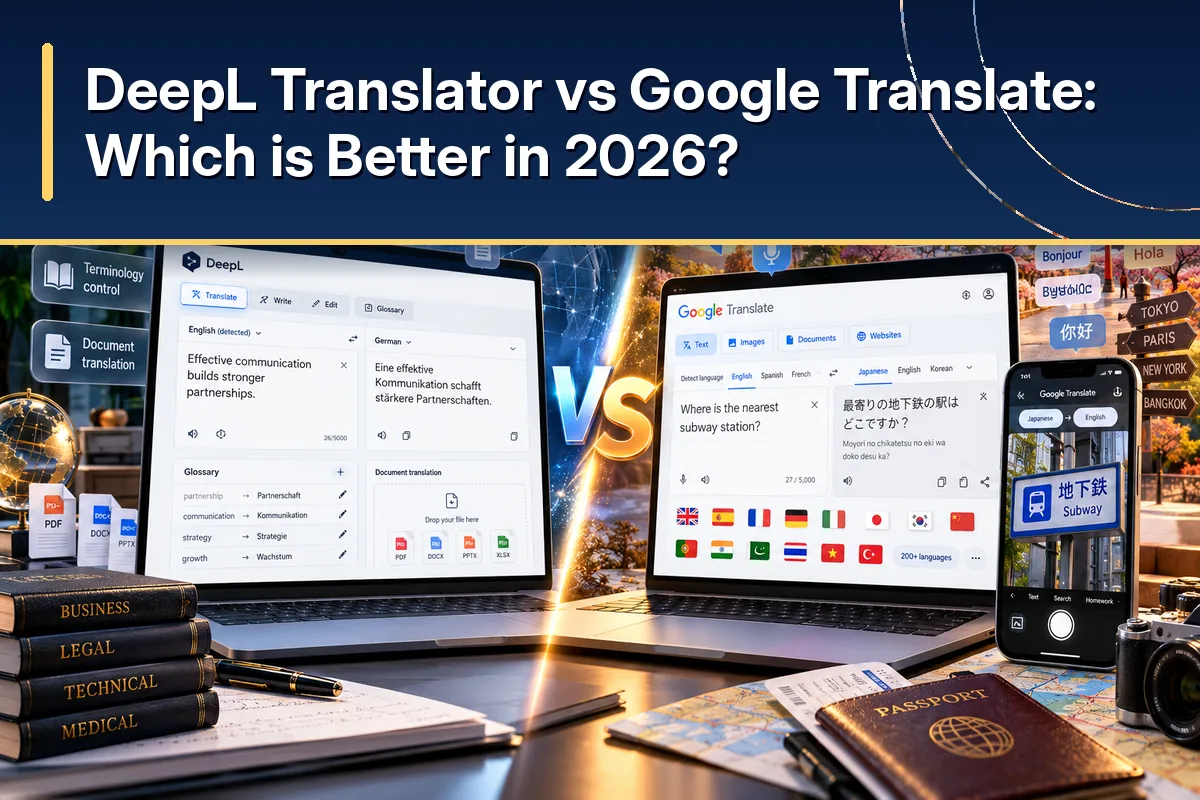
DeepL Translator versus Google Translate
You can paste the same paragraph into either service and receive a translation within moments. That superficial similarity hides important differences in how you review the result, manage repeated terminology, and communicate outside an office. Before deciding which translator is better, identify whether you need to understand information, publish information, or automate a process involving thousands of messages.
DeepL is designed around language-related work, with a free translator, paid professional services, APIs, and separate writing or voice products. Google Translate is a familiar consumer service, while Google Cloud Translation provides a different set of tools for developers and larger organizations. Mixing up Google's free website with its paid Cloud API creates misleading comparisons of features and pricing.
| What You Need | DeepL Translator | Google Translate |
|---|---|---|
| Quick text translation | Yes, with editing options | Yes, with contextual help where available |
| Broad language access | More than 100 supported languages | Around 249+ languages reported in 2026 |
| Preferred terminology | Glossaries in supported workflows | Separate customization through Cloud services |
| File translation | Plan-dependent professional options | Free desktop document translation with limits |
| Mobile travel assistance | Supported text, image, and speech tools | Camera, conversation, and offline features |
| Developer integration | DeepL API | Google Cloud Translation API |
| Best initial fit | Polished, repeatable written content | Everyday access across many languages |
In April 2026, Google marked 20 years since Translate began in 2006. The company said more than one billion people use its translation experience each month, demonstrating its reach across their everyday activities.
Google described support for about 250 languages in its anniversary material, although individual app features support smaller selections. DeepL's published information describes more than 100 supported languages in 2026, with additional differences between models and professional functions. Compare the precise language pairs that matter to you instead of treating a headline language count as a quality score.
A natural-sounding sentence is useful for a promotional email, but the same sentence could still change a refund condition or omit an instruction. A broad-language translator may help you understand incoming customer messages but may not support the workflow you need to maintain published terminology. The best service solves the real communication problem with an acceptable amount of review.
What Should a User Decide Before Comparing Features?
Start with the type of material you translate most often and how you'll use the result. A short message that helps you understand a customer's question carries different risks from an electrical safety warning printed inside a product manual. Your decision should reflect those risks before considering convenience or cost.
You should also consider who will approve the final wording and where it will appear. A multilingual support team may benefit from quick language detection, while a documentation team may care more about editable files and a shared glossary. If no one on your team understands the target language, make human review part of the plan, not an optional final step.
The checklist makes a seemingly subjective choice more measurable. You can compare tools against tasks you already perform rather than rely on attractive demo sentences. It also helps you avoid paying for features you will never use.
DeepL vs Google Translate Accuracy: Which One Gives You the Perfect Meaning?
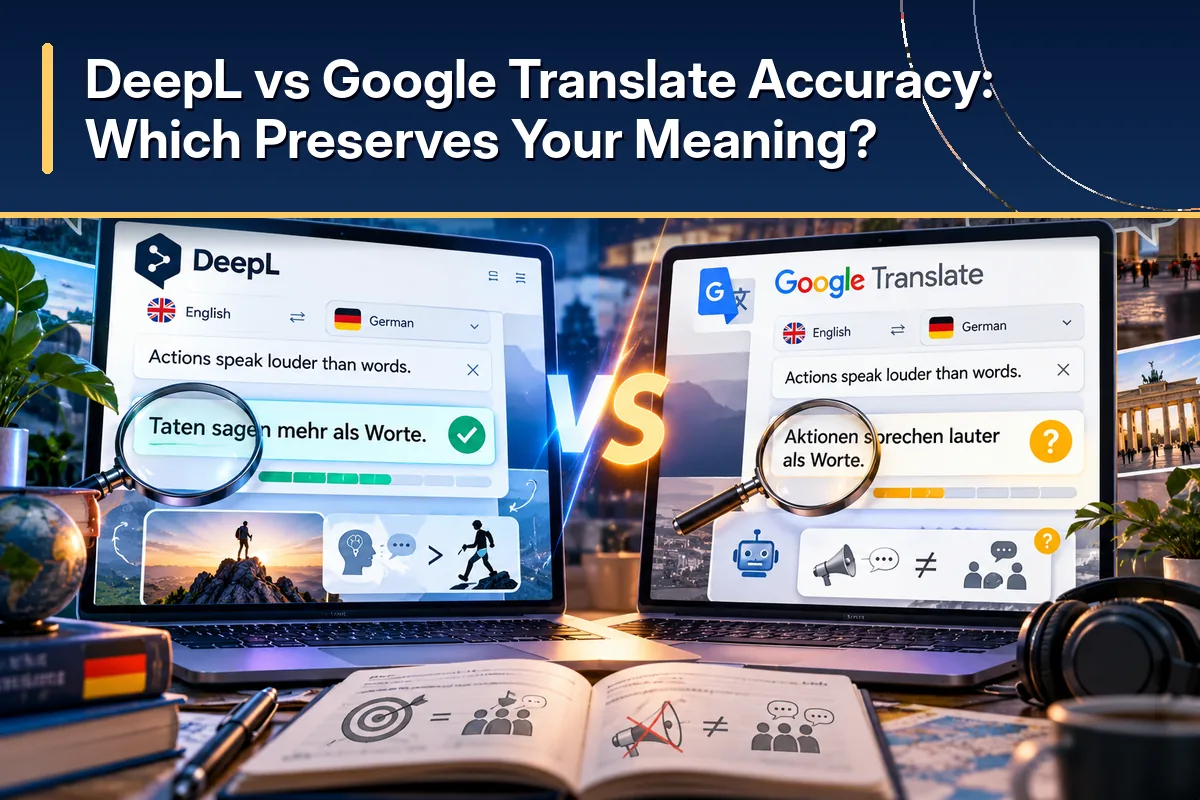
Accuracy and fluency are related, but they are not interchangeable. Accuracy means the target text preserves important information, relationships, and conditions from the source. Fluency means the result sounds natural to a native speaker of the target language.
DeepL's Strength in Natural Professional Writing
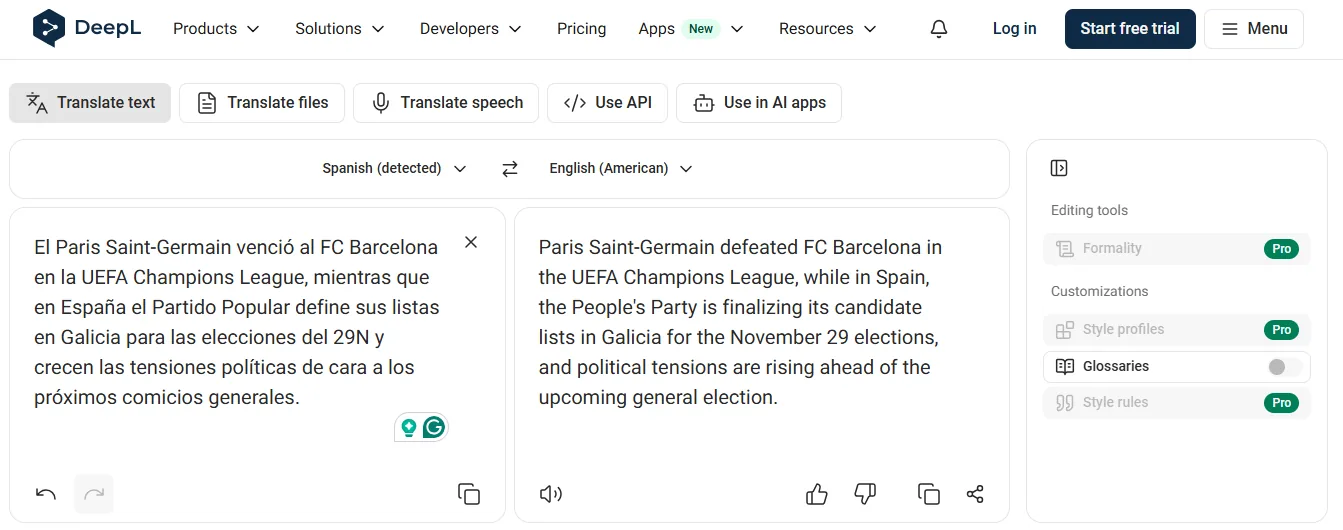
DeepL uses models specialized for language tasks and provides alternative wording for supported translations. These options are helpful when you need to turn a readable draft into a message that fits your audience without rewriting everything from scratch. You can examine the current DeepL Translator interface to see whether those controls are available for your particular languages and account.
Suppose an English slogan describes a new business as finally “getting off the ground.” A literal translation might make readers imagine a physical object taking flight instead of a company starting successfully. Useful translation should express the underlying idea, even if it changes the sentence structure substantially.
DeepL can produce effective idiomatic wording, especially for established language pairs. But no system reliably recognizes every cultural reference. Regional expressions, sarcasm, and sentences without a clear subject can still cause mistakes.
In July 2024, DeepL presented a next-generation model and reported favorable blind evaluations against competing systems. It said language experts preferred its translations 1.3 times as often as Google Translate within the evaluated comparisons. Because that figure comes from DeepL's own testing, it should not be treated as an independent result covering every language or future product version.
Google's Improvements in Context and Conversation
Google Translate uses neural translation technology and has increasingly integrated Gemini-based capabilities. In December 2025, Google announced improvements to preserve meaning in conversational expressions, slang, and idioms. The service also offers explanations or alternative phrasing in certain languages and regions, which can help when you are unsure how to interpret an expression.
For example, someone may say that a negotiation “went sideways” after a difficult meeting. You need to understand that the discussion went badly, not that anyone physically moved sideways. Google's contextual guidance can help distinguish the literal words from the speaker's intended message when the feature is supported.
You should still keep the complete surrounding paragraph available because AI systems infer meaning from context. The same English word can refer to payment, electricity, responsibility, or an accusation depending on the sentence. Supplying a single ambiguous word creates a harder translation task than supplying a properly written paragraph.
How Much Should You Trust Accuracy Rankings?
DeepL disclosed a March 2026 assessment involving 48,000 blind evaluations and 16 language pairs. It reported winning 94% of the tested head-to-head groups, expressed as 75 wins across 80 groups. Those statistics describe a particular vendor-organized comparison and do not establish that DeepL wins 94% of translations in everyday use.
A benchmark can focus on different languages, test passages, and methods for scoring errors. A system that performs well on general news stories may behave differently when translating medical instructions, software labels, or online marketplace listings. Your actual content should therefore carry more weight in the decision than a single headline percentage.
Morana Peric, DeepL's Director of Product for Trust and Transparency, discussed these limitations in August 2026, arguing that consistency and business context can expose larger differences in actual use. Her point applies to evaluating any translation provider, including DeepL itself. Google's Rosa Yao expressed a complementary idea during the company's December 2025 update. That distinction matters when your message is persuasive, sensitive, humorous, or culturally specific.
In a test, quality gaps look marginal.
Morana Peric · DeepL, August 2026
True understanding comes from not just what someone says, but also the nuance of how they say it.
Rosa Yao · Google, December 2025
A Practical Accuracy Test You Can Repeat
Build a test set from your own work
Create a set of sentences drawn from your own work rather than a collection of easy greetings. Include a negative statement, a contractual condition, an idiom, a measurement, and a product term that should remain consistent.
Score with a qualified speaker
Ask a qualified speaker of the target language to score each translation for accuracy, fluency, and any changes that could affect a reader's decision.
Separate style issues from meaning errors
This helps separate minor style issues from errors that change a deadline, amount, or instruction. If two tools communicate the same meaning, review which one needs less editing to fit your preferred writing style.
Never let AI agreement replace review
If they disagree on a critical fact, do not use agreement between other AI services as a substitute for qualified review.
Supported Languages, Glossaries, and Writing Tone for Global Work
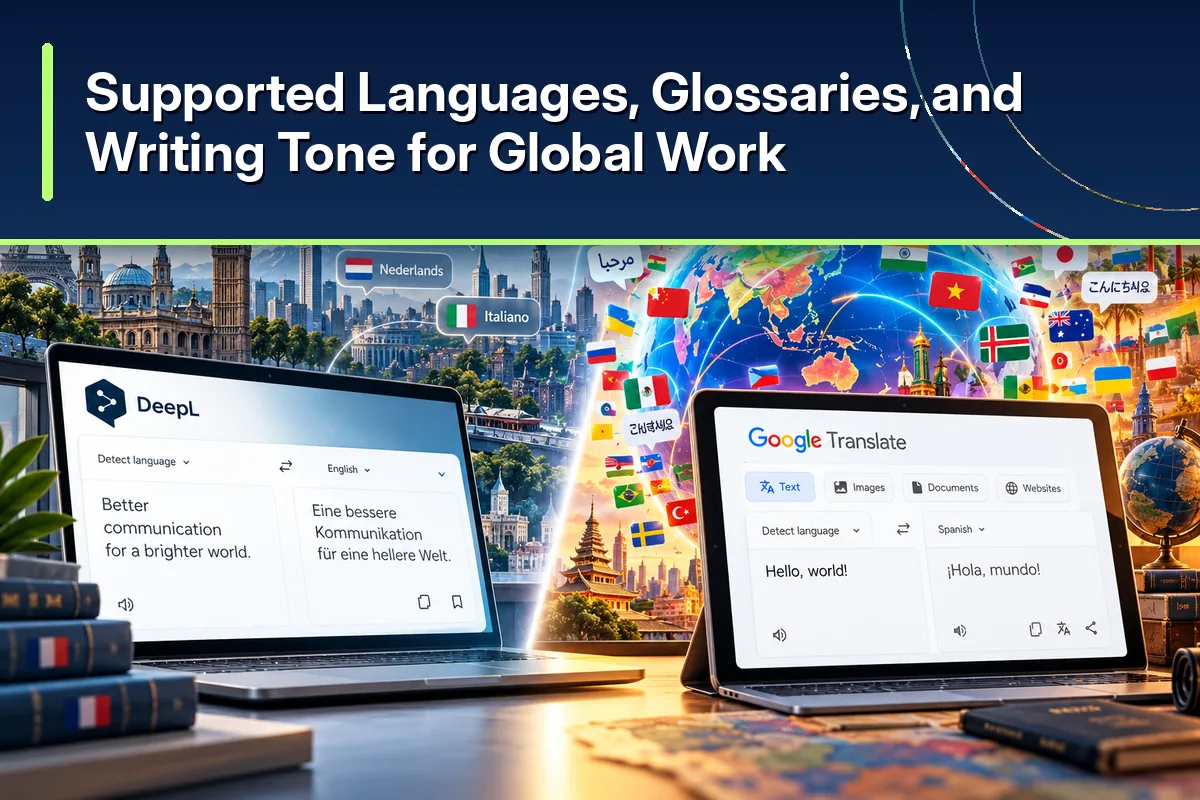
Language coverage is a practical business requirement, not a vanity metric. If you serve customers who speak languages that a translator does not handle, its quality on other languages will not help those customers. The right comparison starts with the languages on your support tickets, product pages, and regional marketing plan.
Why Google Translate Covers More Situations
Examples from Google's June 2024 expansion
In June 2024, Google added 110 languages to Translate in what it called its largest language expansion. The company said those additions represented more than 614 million speakers, or roughly 8% of the world's population. Newly supported languages included Cantonese, NKo, Tamazight, and Tok Pisin, alongside many languages that previously had limited digital translation support.
Google also said about one-quarter of those new languages came from Africa. That matters for US businesses serving diaspora communities, international organizations, and customers in countries where major European languages are not the only way people communicate. Greater coverage can allow your team to understand more incoming messages without switching between several translation providers.
However, supporting a language does not mean every feature works with it. Some languages may lack particular pronunciation, offline, live conversation, or contextual controls. You should check both the language list and the exact feature you need for that language pair.
How DeepL Approaches Terminology and Formality
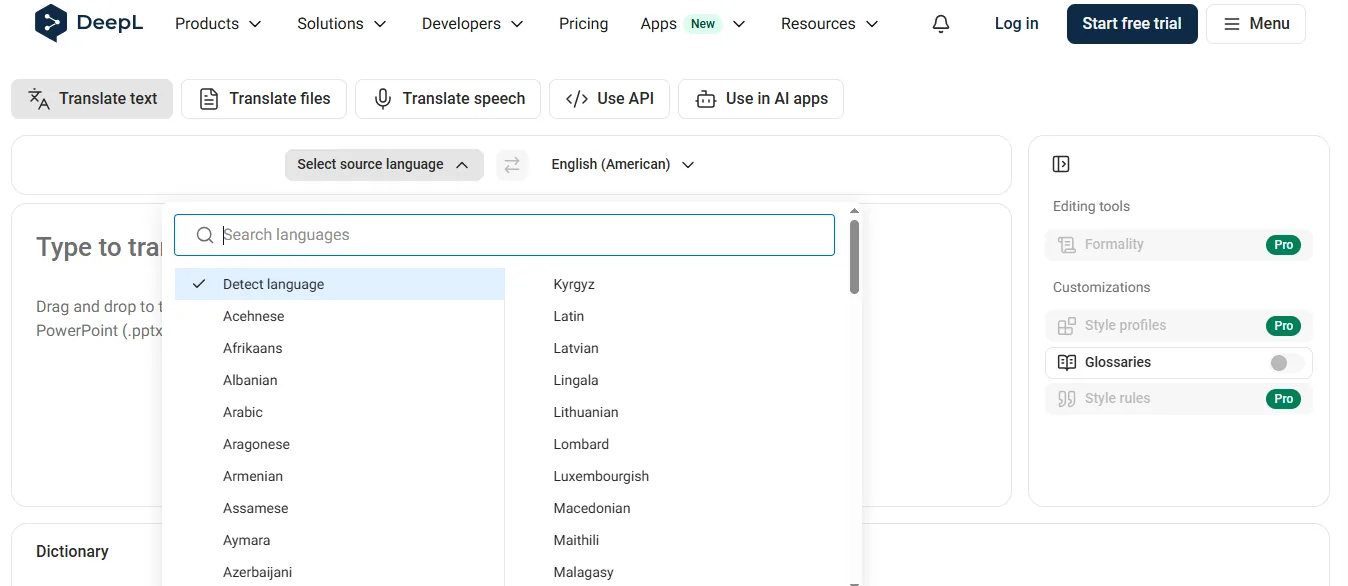
DeepL offers a smaller overall language collection but includes professional tools built around consistency. A glossary lets you specify preferred translations for supported words and expressions, rather than accepting a different synonym whenever the same term appears. This is useful when a software feature name must match across a dashboard, a help article, and an onboarding email.
Imagine that your service calls a billing option “Pause Subscription.” If your translated instructions use several unrelated phrases for that same setting, customers may have difficulty locating the correct button. A glossary can help your team keep the approved expression consistent, although a reviewer still needs to confirm that it fits each sentence.
Without a glossary
Abo pausierenAbonnement anhaltenMitgliedschaft unterbrechenWith an approved glossary term
Abo pausierenAbo pausierenAbo pausierenDeepL also offers formality controls for supported languages and workflows. Formal address may be appropriate in a corporate proposal, while a friendly social media message may use more casual language. This difference is especially important in languages where pronouns and verb forms change according to the level of politeness.
A company publishing international content should maintain a short terminology guide even if it uses Google Translate. A term can be technically correct in two different forms yet create confusion when customers expect the same label everywhere. You can check the official Google Translate interface for its current text translation options and then determine whether your requirements call for additional Cloud customization.
Why Regional Language Matters More Than a Language Count
Translation quality can change dramatically within what appears to be the same language. Spanish used in Mexico and Spanish used in Spain share much of their vocabulary but differ in expressions, regional preferences, and sometimes product terminology. A generic Spanish translation may still require localization before you place it in advertising for a particular US or Latin American audience.
English also varies by market, and software documentation can use different names for familiar controls. A customer service representative may recognize a term that confuses someone who has never used your product. When reviewing translations, ask whether the wording matches the expectations of the people who will actually read it.
Regional review becomes even more important for slogans, jokes, idioms, and sensitive public communication. Cultural meaning does not always travel with the literal words, even when a sentence contains no grammatical mistakes. A qualified local reviewer can explain why a phrase is inappropriate or misleading in the intended setting.
Building a Consistent Multilingual Content Process
Start by collecting the names of your most important products, features, policies, and recurring instructions. Decide which terms must remain untranslated and which have an approved target-language form. Give that list to reviewers and keep it updated whenever your product changes.
Next, establish an approval process for high-visibility content such as checkout labels, policy pages, and advertising headlines. Machine translation can provide the first draft, but somebody needs to confirm brand tone and the correct interpretation of legal or technical language. Save approved expressions, so your team does not repeat the same arguments during every campaign.
If your organization serves a smaller number of major language markets, DeepL's professional controls may be particularly attractive. If you serve many markets with different language requirements, Google's wider coverage can have operational advantages. You can also use different engines across markets while maintaining one shared editorial standard.
Document Translation, Pricing, APIs, and Privacy: What You Really Pay For
Translating a paragraph is not the same as translating a complex document. Files can contain tables, screenshots, captions, page references, and technical labels that must stay attached to the right information. A professional workflow must preserve meaning and give your team a practical way to inspect the finished file.
DeepL and Google Translate for PDFs and Office Documents
DeepL supports file translation through its website, desktop applications, and applicable business integrations. Depending on the plan, supported formats include Word documents, PowerPoint presentations, PDFs, and additional file types. Its service aims to preserve the original structure while offering terminology and review features for professional workflows.
Google Translate's browser document translator supports DOCX, PDF, PPTX, and XLSX. Google's published limits allow files up to 10 MB, while PDF files must contain no more than 300 pages. Its ordinary document translation tool does not translate text embedded in scanned PDF images, even if that text remains visible in the result.
- Aims to preserve the original structure
- Glossary and review features in professional workflows
- Some scanned PDFs supported; scan quality affects results
- Images inside DOCX/PDF are not translated as separate images
- No subscription needed for one-off documents
- Text inside scanned PDF images is not translated
DeepL supports translation of some scanned PDF documents, but the quality of the scan can affect the outcome. Its documentation also explains that images embedded inside DOCX or PDF files are not automatically translated as separate images through the ordinary file workflow. For manuals with diagrams, you may need to extract and translate those graphics independently.
A translation can also change the layout without changing the meaning. German and French sentences may take more space than the equivalent English copy, pushing labels beyond the intended text box. You should inspect page breaks, tables, slide titles, numbers, and images before delivering the translated document.
For a one-time document that you want to understand, Google's free browser tool may meet your needs. For frequent client-ready files where terminology and workflow controls matter, DeepL's paid options deserve closer attention. Do not choose based on a generic promise of perfect formatting, because complicated files still require checking.
Free Translation and the Difference Between Consumer and API Products
Both services offer ways to translate ordinary text without buying a professional subscription. Google Translate's consumer service is free for normal use, while DeepL provides a free version with limits on some features and allowances. Paid business products and developer APIs should be compared separately from those consumer interfaces.
DeepL API Free allows up to 500,000 characters of translation each month under its published conditions. Google Cloud Translation's standard neural text service includes a monthly credit equivalent to the first 500,000 characters, with a published rate of $20 per million characters beyond the allowance in the relevant tier. Different models, document methods, and enterprise agreements can lead to different bills.
DeepL API Free
Up to 500,000 characters per month.
Google Cloud Translation (standard NMT)
First 500,000 characters covered by monthly credit, then $20 per million.
$10.00Estimated monthly list price for text translation
Suppose your online store sends the same product catalog to four target languages. Your billable translation volume can become much larger than the source catalog because the text is processed separately for each destination. You also need to account for updates when product specifications, prices, or policies change after the initial translation.
A lower API price can still drive up overall costs if your editors spend more time correcting errors. Estimate subscription charges, engineering work, reviewer hours, file repairs, and the risk of customer confusion. Calculate costs using a real sample month rather than guessing from an advertised rate.
What Developers Should Compare Before Integrating an API
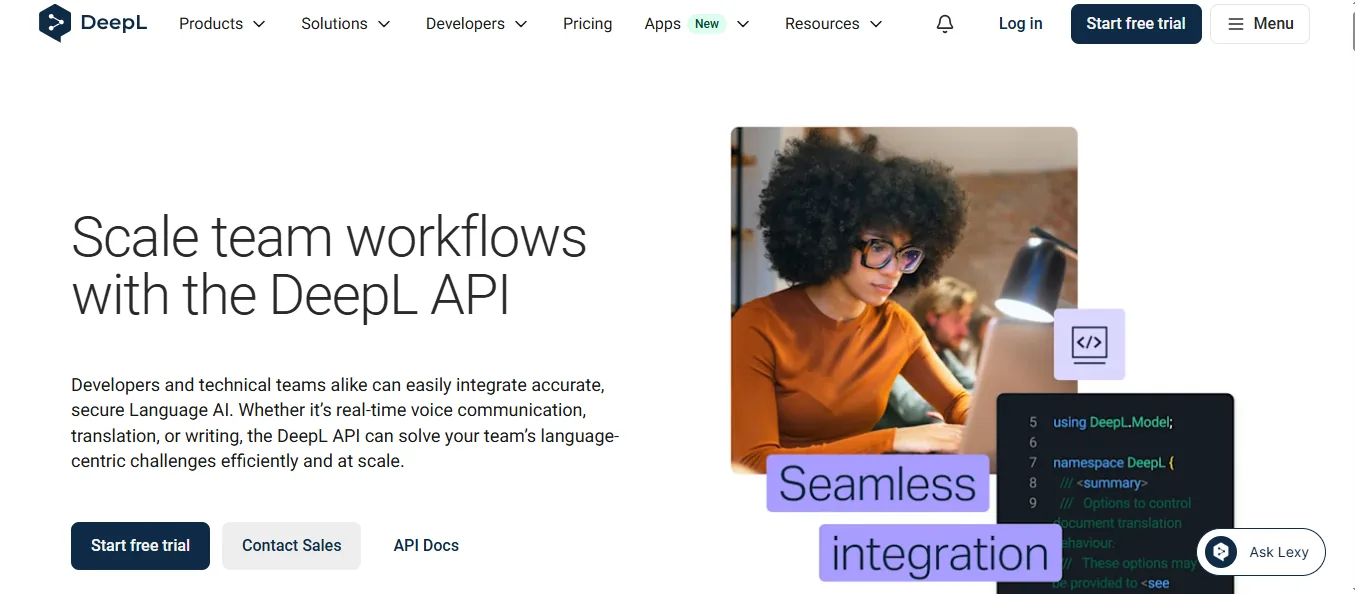
DeepL and Google Cloud both offer APIs for sending text or supported files through translation workflows. Your application might translate incoming support requests, create draft localized listings, or assist with multilingual search. The technical work includes authentication, language detection, error handling, usage limits, and monitoring what happens when a request fails.
You should check how your planned service handles repeated terminology and whether translated text can be reviewed before publication. Consider the time required to connect an API to a content management system, ecommerce platform, or customer support desk. An API is not a complete localization system simply because it returns translated text.
Performance claims also deserve scrutiny because response time depends on workload and implementation. A short demonstration cannot prove a service will behave the same way when your application processes thousands of requests.
Is One Translator Safer for Confidential Information?
Privacy requirements depend on the service, subscription, and contract, not just the company name. DeepL's professional offerings and Google Cloud Translation have business-oriented data handling terms that differ from the corresponding consumer experiences. Review those terms before uploading customer records, employee information, or unpublished business documents.
A document may contain sensitive information in a comment, footnote, or hidden column even when the visible paragraphs look harmless. Your team should check the entire source file and determine whether its contents are permitted within the chosen service. If an enterprise data-processing agreement is required, arrange it before beginning production use.
No language model can make a legal document safe merely by translating it smoothly. A lawyer or qualified professional should review binding obligations, financial terms, and other high-impact language. Your policy should specify when machine translation is acceptable and when a specialist must approve the result.
Mobile Translation, Multilingual SEO, and Three Practical Case Studies
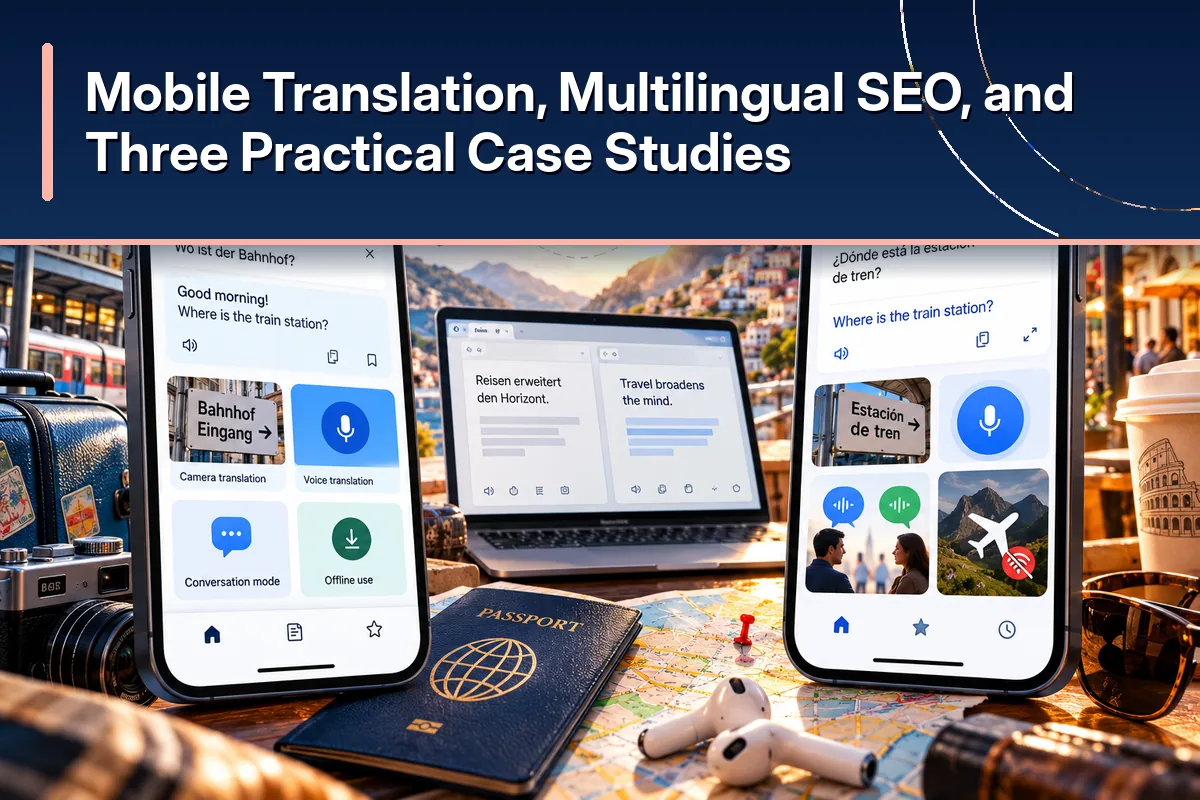
Your most useful translator can change during the same workday. A phone-based conversation demands speed, while an international product page demands careful editing and an accessible website structure. This is why practical use cases offer better guidance than a list of unrelated features.
Google Translate Features in Mobile Apps
Google Translate is especially useful when you travel because it combines camera translation, speech features, and downloadable offline language packs. You might need to read a parking sign, understand a restaurant menu, or ask for directions in a place with poor reception. Offline packs can support translations, but certain advanced features still require a connection.
Google announced a Gemini AI-powered improvement to headphone-based live translation in late 2025. In September 2026, it said more than one-third of live translation sessions were lasting longer than five minutes. The same update introduced background translation on Android for longer listening sessions, while supported iOS capabilities expanded separately.
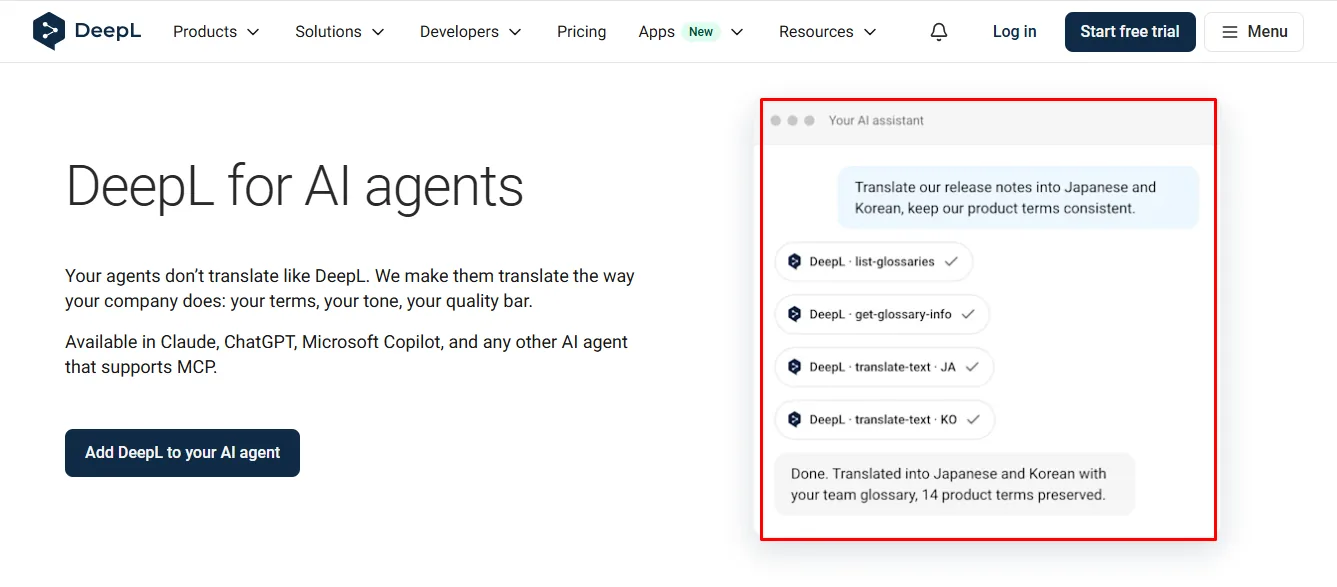
DeepL offers mobile text translation and selected image or speech-related features, depending on the app and supported language. Its dedicated Voice products provide additional capabilities that should not be confused with the everyday text translator. For written follow-up messages or professional editing, DeepL can remain useful even when Google is the more convenient travel companion.
How Translation Tools Affect Multilingual Website SEO Ranking

Machine translation can help you prepare foreign-language website content, but it does not automatically create pages that search engines can index. For multilingual search visibility, you generally need separate crawlable language URLs, properly configured hreflang annotations, and useful translated content. Navigation, metadata, internal links, and localized product information also deserve attention.
A browser translation overlay may make English content readable in Spanish without creating a separate Spanish page for search engines. If your goal is organic search traffic from Spanish-language searches, your website needs a localization setup that makes the relevant pages accessible. Translation APIs can supply text, but your website platform must handle publishing, indexing, updates, and language switching.
You should also review currency formats, shipping rules, measurements, and regional product names. A page can be grammatically correct yet frustrate customers because its prices or delivery expectations belong to another market. Human review is particularly valuable on checkout screens, return policies, and frequently visited product pages.
Translate the words. Then make the pages rank.
DeepL and Google Translate produce language. WTranslator turns it into crawlable WordPress pages with language URLs, hreflang, and translated metadata.
A Software Company's Confusing Help Center
Consider a US software company named Harborline Systems that sells scheduling software to customers in Germany and France. Its team translates the dashboard, onboarding emails, and help articles separately, and the same feature receives different names in each place. Customers who follow the instructions can struggle to find the correct setting even though the translated sentences sound natural.
Harborline creates a list of approved translations for navigation labels and recurring product terms. The localization team tests DeepL's glossary and supported writing controls before deciding whether the service fits its language pairs. Reviewers then compare translated instructions with the live interface to ensure the approved wording matches what customers see.
The useful outcome is a more consistent editorial process, not a fabricated increase in revenue or decrease in tickets. Harborline would track corrections, confused support questions, and the frequency of terminology mismatches over time. Those measures would show whether its chosen workflow actually improved customer understanding.
The company might still use Google Translate to understand occasional messages in other languages. That wouldn't conflict with using a different tool for final documentation, as long as both outputs follow the same review standards. The central lesson is to design the process around terminology consistency instead of treating one engine as a solution to every task.
A Tour Operator Handles Live Visitor Questions
Imagine Michael running a walking-tour company that welcomes international visitors to several US cities. His guides need to explain meeting locations, weather changes, and simple directions while moving between venues. They cannot depend on every visitor speaking English or on mobile data working reliably in every location.
The team chooses Google Translate as a practical mobile assistant because camera translation, conversation tools, and offline downloads address those needs. Guides download supported language packs before their shifts and test the functions they expect to use. Michael keeps professionally reviewed versions of cancellation conditions and safety instructions ready, so guides do not improvise important policy language through live translation.
During a rainy afternoon, a visitor asks whether a tour will continue if lightning begins. A mistranslation of “unless the weather improves” could change the visitor's understanding of the company's decision. The guide checks the approved notice instead of relying entirely on a spontaneous AI translation.
This illustrates a safer workflow, not evidence that the imagined company achieved a measurable result. Michael would evaluate whether staff could communicate clearly and whether visitors misunderstood any crucial instructions. The case shows why mobile convenience matters, while also establishing limits around high-risk messages.
An Ecommerce Brand Translates Product Manuals
Consider a kitchenware seller named Cedarbrook Home that wants Spanish-language manuals for customers in the United States. Its source documents contain electrical warnings, temperature settings, tables, and diagrams labeled in English. The retailer initially assumes that uploading a PDF will translate all visible text on its pages.
The team learns that standard document translation can leave embedded image labels unchanged and that scanned files need special attention. It prepares editable source files where possible, evaluates DeepL's document workflow, and uses Google Translate for quick reference when reviewing unfamiliar supplier materials. A qualified Spanish reviewer then checks safety warnings, measurements, and illustrations before publishing the documents.
Cedarbrook also plans separate Spanish-language product pages rather than relying only on a browser overlay. It reviews titles, descriptions, internal navigation, and language-specific URLs as part of its publishing process. The example shows why translating a file, validating technical content, and creating search-friendly localized pages are three related but distinct responsibilities.
No fictional conversion rate or customer testimonial is necessary to make the lesson useful. The practical goal is to ensure that a customer sees complete, accurate instructions in a readable format. Measuring document corrections and reported misunderstandings would provide real evidence if the company later implemented such a workflow.
Choosing a Tool Based on Real Needs
The three scenarios solve different problems despite involving the same translation technology. Harborline needs controlled terminology, Michael needs reliable mobile access, and Cedarbrook needs accurate documents supported by good website architecture. Their differences explain why choosing the most famous translator is a weak substitute for reviewing the actual workflow.
You should identify what a translation error would cost and how a reviewer could detect it. The consequences might range from a mildly awkward message to a misunderstood refund policy or an unsafe product instruction. Matching review effort to the risk makes the process both safer and more efficient.
Conclusion: Which Translator Should You Choose?
The DeepL Translator vs Google Translate comparison has no winner for every situation. DeepL offers useful control for polished writing, terminology, and supported professional document workflows, while Google Translate offers broader language access and convenient tools for mobile communication. Choose based on what you translate and how much risk an inaccurate result would create.
If your work centers on customer-facing content, test DeepL's professional features with the languages and documents you actually use. If you need quick everyday understanding, offline support, or access to less-common languages, Google Translate is a strong starting point. Larger organizations may benefit from using more than one engine while maintaining a single approval process.
Before committing, compare sample translations, review costs, privacy requirements, and the work required to publish the results. Ask qualified speakers to check critical language rather than treating fluency as proof of accuracy. The best translation service helps you communicate the intended meaning consistently and safely.
Explore WTranslator Plans