2026 Compared 11 WordPress Translation Plugins Reviewed

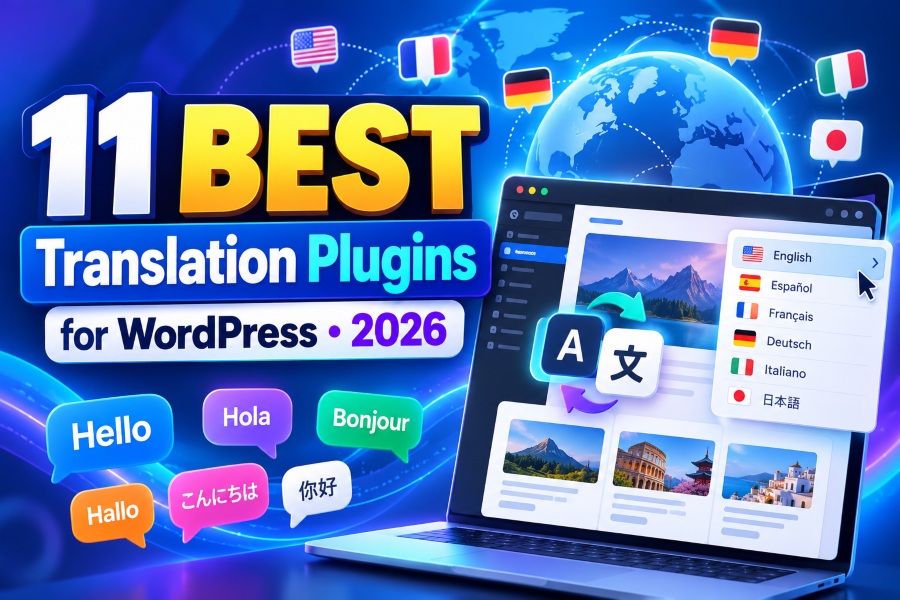
11 Best Translation Plugins for WordPress in 2026

Choosing the best translation plugin for WordPress sounds simple until you discover that translating text is only one part of running a multilingual website. You also need searchable language pages, reliable URLs, WooCommerce compatibility, accurate translations, editing control, and a workflow that will not become painful as your site grows.

Here, we reviewed 11 WordPress translation plugins by automation, multilingual SEO, WooCommerce support, usability, limitations, and current pricing so you can choose based on what your website actually needs.

11 plugins compared Pros, cons & pricing Updated for 2026
Best WordPress Translation Plugins compared for 2026
11 plugins compared from visitor-side widgets and visual editors to AI translation, cloud delivery, and Multisite architecture.
~40.0%of measured websites run WordPress
11.6%of CMS sites use WooCommerce
11 pluginscompared across 6 criteria
The Guide

How to Automatically Translate a WordPress Website

Automatic translation can save you from rebuilding every page manually, but the smartest workflow still gives you control over important text.

Start With Automatic Translation, Then Review What Matters

Imagine you manage a growing WooCommerce business and decide to launch in France, Germany, and Spain. Manually rebuilding hundreds of products, category descriptions, help pages, menus, and checkout messages could turn a straightforward expansion into weeks of repetitive work.

An automatic translation plugin changes that starting point. Instead of translating every sentence from scratch, you can quickly create an initial multilingual version and then focus on product names, calls to action, legal text, pricing information, and other content where accuracy directly affects trust.

7.9% of all websites run WooCommerce (Oct 2026)
11.6% of identified CMS sites use WooCommerce
40.0% of measured websites run WordPress

Automation should therefore reduce repetitive work rather than remove human judgment. A strong automatic translation plugin for WordPress lets you generate translations quickly, review important wording, correct mistakes, and publish those refinements without rebuilding the original page.

Give Every Important Language a Proper Website Structure

Translation becomes more useful when each language has a permanent location that visitors and search engines can access. For example, a French product page may live under /fr/, while its German version uses /de/. Google recommends using different URLs for language versions instead of depending entirely on cookies or browser-language switching.

A capable WordPress multilingual plugin can automate much of this structure. Depending on the product and plan, that may include:

  • Language URLs
  • Hreflang annotations
  • Translated metadata
  • Translated slugs
  • XML sitemap support
  • Language switching
Must-know tip: Google explicitly recommends "using different URLs for different language versions." A translation widget alone and an indexable multilingual website therefore solve two different problems.
SEO Checklist

WordPress Multilingual SEO: What Your Plugin Must Handle

Installing a WordPress language translation plugin does not automatically guarantee international search visibility. Your multilingual setup still needs technically accessible pages and clear signals.

Language URLs, Hreflang, and Canonicals

Each important translation should have a crawlable URL if organic search is one of your goals. Your plugin should also generate or support correct hreflang relationships between translated pages so search engines can identify the relevant language or regional version.

Canonicals deserve equal attention. Google notes that regional pages containing substantially similar content should use canonicalization and hreflang appropriately rather than allowing competing versions to create ambiguous signals.

Translated Titles, Descriptions, Slugs, and Structured Data

Your page body is not the only content that needs localization. Strong multilingual SEO also includes titles, meta descriptions, URL slugs, product information, image text where appropriate, and structured data generated by your WordPress stack.

Translated slugs can make URLs more understandable to local readers. They are not mandatory for every website, but they give multilingual SEO teams greater control over how pages appear and communicate in each target market.

XML Sitemaps, Internal Links, and Indexability

A translated page only creates SEO value when search engines can discover, crawl, understand, and index it. Your XML sitemap should surface the intended language URLs, while internal links should point users and crawlers to the correct localized pages.

Google supports HTML annotations, HTTP headers, or sitemaps for communicating localized versions. It says the methods are equivalent from a Search perspective, so consistency is more important than implementing every method simultaneously.
Best WordPress Translation Plugins for 2026 comparison overview
Best-WordPress-Translation-Plugins.jpg
The 11 Plugins

11 Best Translation Plugins Compared in 2026

From lightweight visitor-side translation and WordPress-native management to AI translation, cloud delivery, visual editing, multisite architecture, and developer-focused localization.

1

WTranslator

WordPress-focused multilingual plugin with free visitor translation and paid multilingual SEO.
Top Pick
WTranslator WordPress translation plugin hero
WTranslator-hero-.jpg

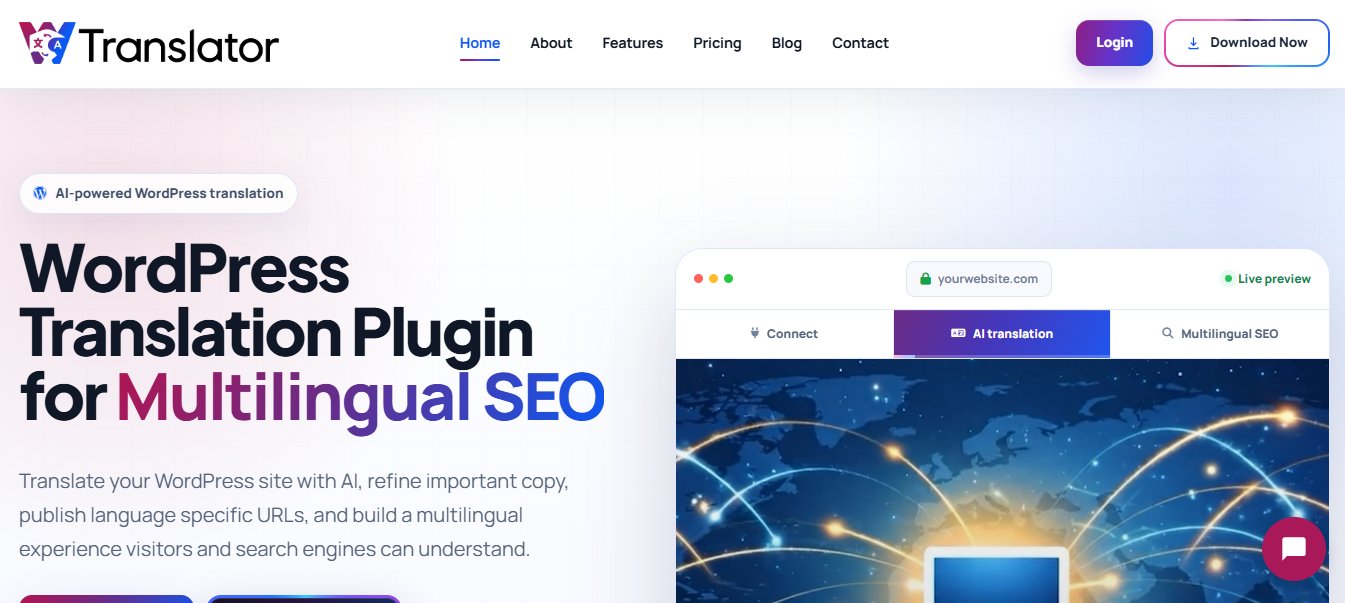
WTranslator is a WordPress-focused multilingual plugin built around automatic translation, searchable language pages, translation editing, and multilingual publishing. Its free version works well when you mainly want visitors to switch languages, while its paid workflow adds features for businesses that want translated pages to rank in organic search.

One useful distinction is that WTranslator separates simple browser-side translation from its paid Translation Delivery Network workflow. That makes it easier to start with visitor accessibility and upgrade when you need indexable language pages.

It also supports more than 248 languages, WooCommerce translation, RTL languages, multiple switcher styles, automatic browser-language switching, posts, pages, categories, tags, menus, widgets, themes, and plugins. The free plan includes unlimited words and pageviews.
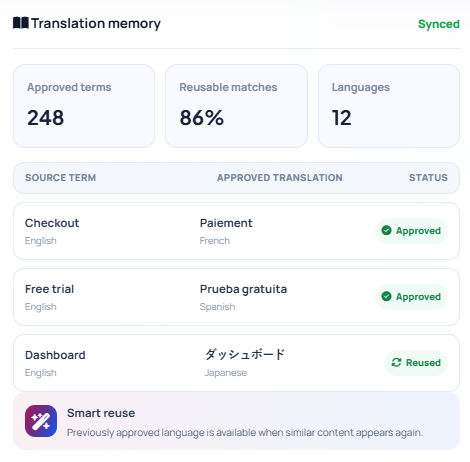
WTranslator multilingual SEO dashboard
wtranslator-hero-2-1.png

Paid plans extend the workflow with neural AI translation, hreflang, dedicated language URLs, translated metadata, URL or slug translation on supported tiers, manual editing, translation memory, page-builder compatibility, analytics, and advanced language hosting.

Pros
  • Free plan includes unlimited words and pageviews
  • Supports more than 248 languages
  • Clear upgrade path from visitor translation to indexable pages
  • Includes WooCommerce support
  • Multilingual SEO capabilities on paid plans
  • Manual translation correction on supported plans
  • One connected workflow for translation, SEO and publishing
Cons
  • Advanced SEO, editing, and language-hosting capabilities require paid plans
  • Most advanced regional delivery and hosting reserved for the Business plan
WTranslator Pricing Plans
Free $0/mo 248+ languages, unlimited words and pageviews, automatic machine translation, WooCommerce support, visitor-side language switching.
Startup $9.99/mo $8.00/mo billed yearly at $95.99. Adds neural AI translation, search indexing, SEO-friendly URLs, hreflang, TDN delivery, sitemap translation.
Premium $19/mo $15.99/mo billed yearly at $191.90. Adds manual correction, inline editing, URL/slug translation, page-builder compatibility, analytics.
Business $39/mo $31.20/mo billed yearly at $374.40. Adds advanced delivery, language hosting, expanded analytics, 2 websites, account manager.
Why choose WTranslator? Makes the most sense when you want to begin with simple translation but expect multilingual SEO to become important later. Its combination of unlimited words, broad language coverage, WooCommerce support, and SEO-oriented delivery reduces the need to assemble several separate tools.
2

WPML

One of the longest-established multilingual WordPress solutions for structured translation management.

Established
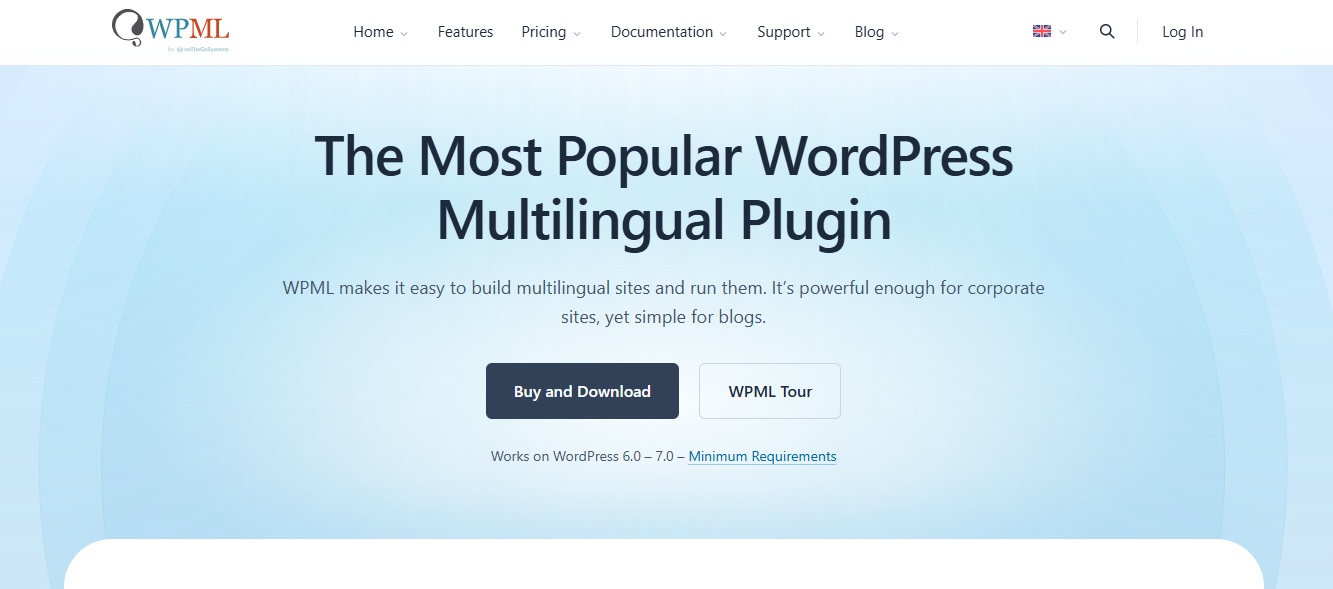
WPML WordPress multilingual plugin
WPML-hero.jpg

WPML is designed for websites that need structured translation management rather than a simple language widget. It supports manual translation, automatic AI translation on eligible plans, String Translation, page builders, WooCommerce, translation teams, and external translation services.

The main concern is complexity. WPML offers deep control, but smaller sites may not need its broader workflow, and automatic translation beyond included allowances creates additional usage costs. Its most complete functionality also requires the CMS or Agency tier.

WPML says it is installed on more than one million WordPress websites. Its 2026 WPML 5.0 release consolidated administrative settings and introduced background automatic translation.

Pros
  • Mature WordPress multilingual ecosystem
  • Strong translation-management controls
  • Supports unlimited languages
  • Works with page builders and WooCommerce on higher plans
  • Supports professional translation workflows
Cons
  • No permanent free version
  • Advanced functionality excluded from the basic Blog plan
  • AI translation beyond included allowances costs extra
  • Extensive settings can be more than small websites need
WPML Pricing Plans
Multilingual Blog €39/yr Approximately $44 at the October 14, 2026 exchange rate.
Multilingual CMS €99/yr Approximately $111, with 22,500 AI translation words included.
Multilingual Agency €199/yr Approximately $223, with unlimited production websites and 45,000 included AI translation words.
Extra AI words €3.00-€0.40 Volume pricing per 1,000 words, depending on monthly usage and translation engine.
Why choose WPML? Choose WPML when your multilingual project needs translation assignments, professional translation integrations, WordPress-native content management, WooCommerce support, and a mature ecosystem. Fits structured multilingual operations better than a lightweight language switcher.
3

TranslatePress

Visual front-end translation approach with local translation storage.

Visual Editor
TranslatePress WordPress translation plugin
TranslatePress-hero.jpg

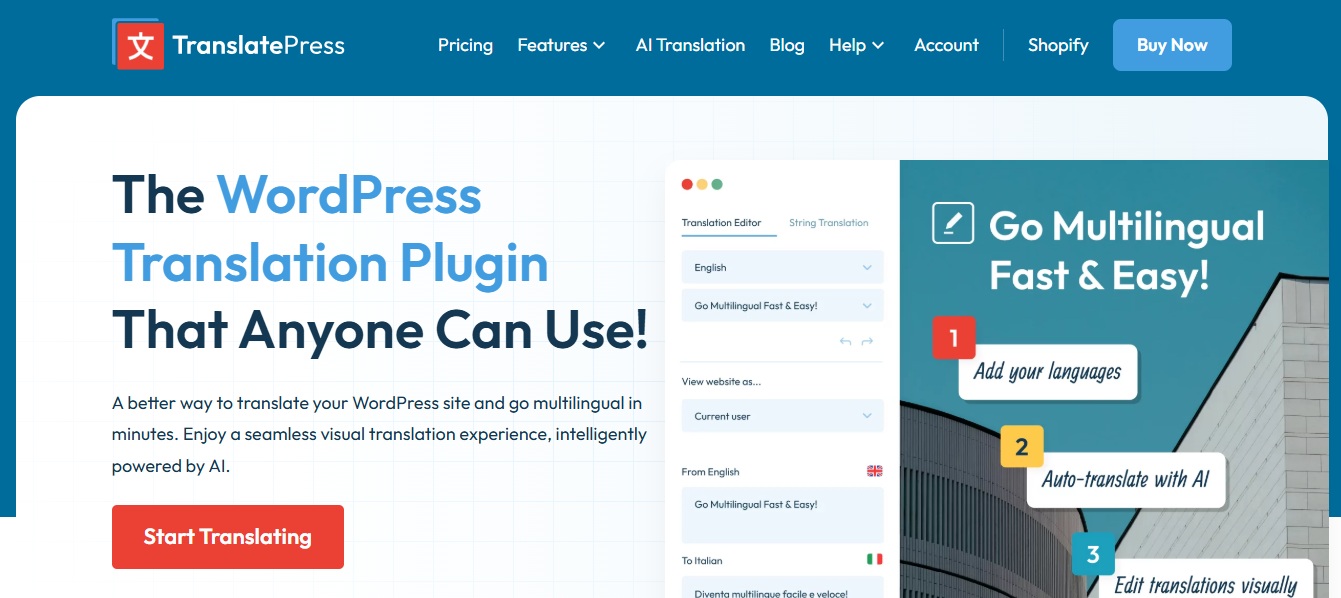
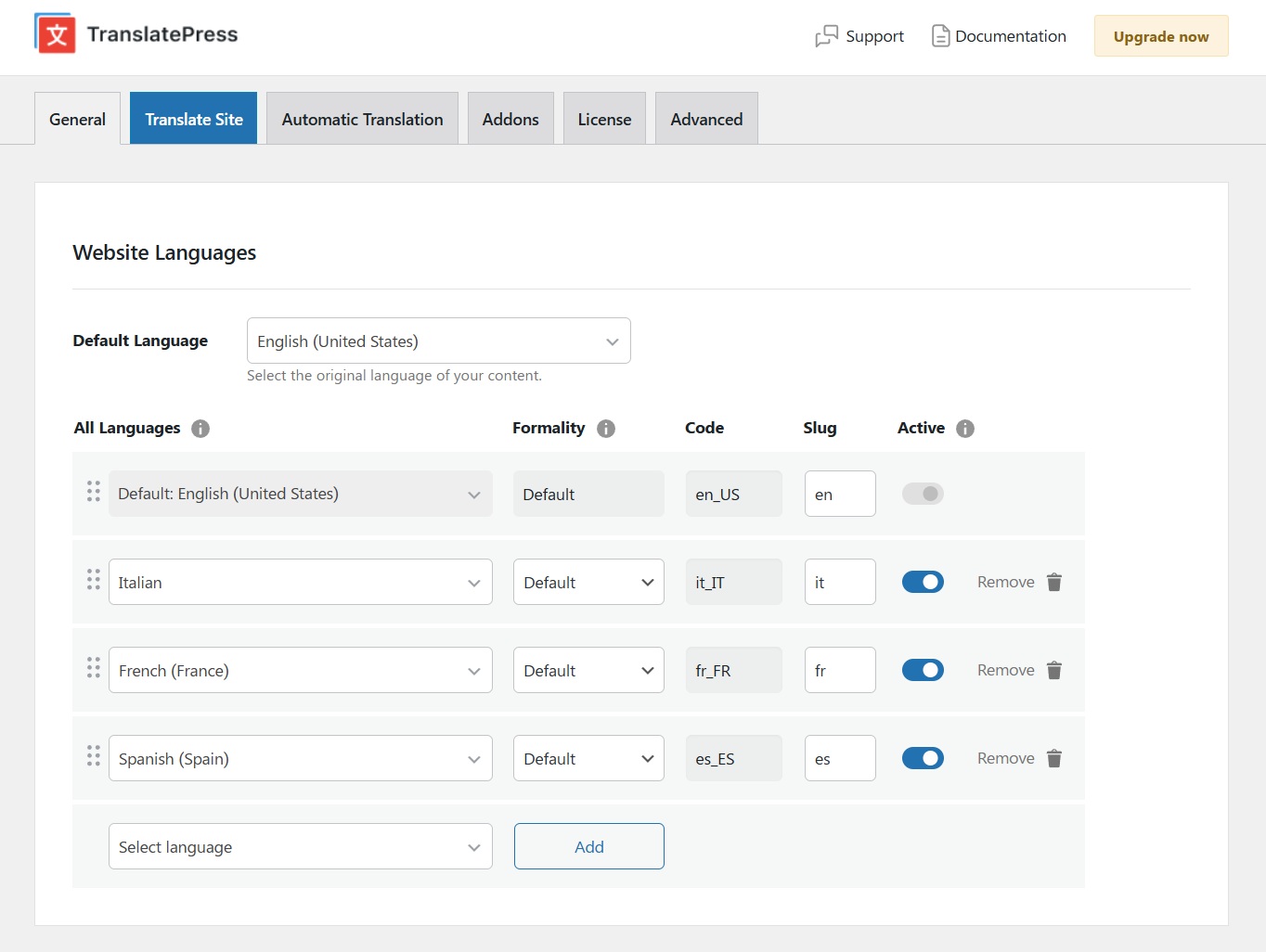
TranslatePress takes a visual approach to multilingual WordPress management. You translate content from the front end while viewing the page, which reduces the disconnect between a translation string and the design visitors actually see.

Its free version is useful for testing the workflow, while paid plans add AI translation quotas, slug translation, multilingual SEO tools, multiple languages, and additional controls. The trade-off is that premium features are licensed annually.

TranslatePress had more than 400,000 active WordPress installations in October 2026. It also stores translations in your own site's database, so existing translations remain available if you stop renewing your premium license.

TranslatePress visual translation editor
TranslatePress-translation.jpg
Pros
  • Easy visual editing workflow
  • Free version available
  • Existing translations remain locally stored
  • Strong multilingual SEO options on paid plans
  • AI and manual editing can work together
Cons
  • Important SEO capabilities require premium plans
  • AI translation quotas are plan-based
  • Additional AI words cost extra after your allowance
  • Advanced features such as translator accounts require higher tiers
TranslatePress Pricing Plans
Personal €99/yr Approximately $111, for one site and 50,000 AI-translated words.
Business €199/yr Approximately $223, for three sites and 200,000 AI-translated words.
Developer €349/yr Approximately $391, for unlimited sites and 500,000 AI-translated words.
AI word packs €24-€1,050 From 100,000 words up to 10 million words.
Why choose TranslatePress? Compelling when your priority is seeing exactly what you are translating. The front-end workflow is easier to understand than string tables for many marketers, designers, and small business owners. Must-know: Michiel Heijmans, former COO of Yoast SEO, described TranslatePress as "the obvious choice" after evaluating its translation workflow.
4

Weglot

Cloud-based translation platform with fast deployment.

Cloud
Weglot cloud translation platform
Weglot-hero.jpg

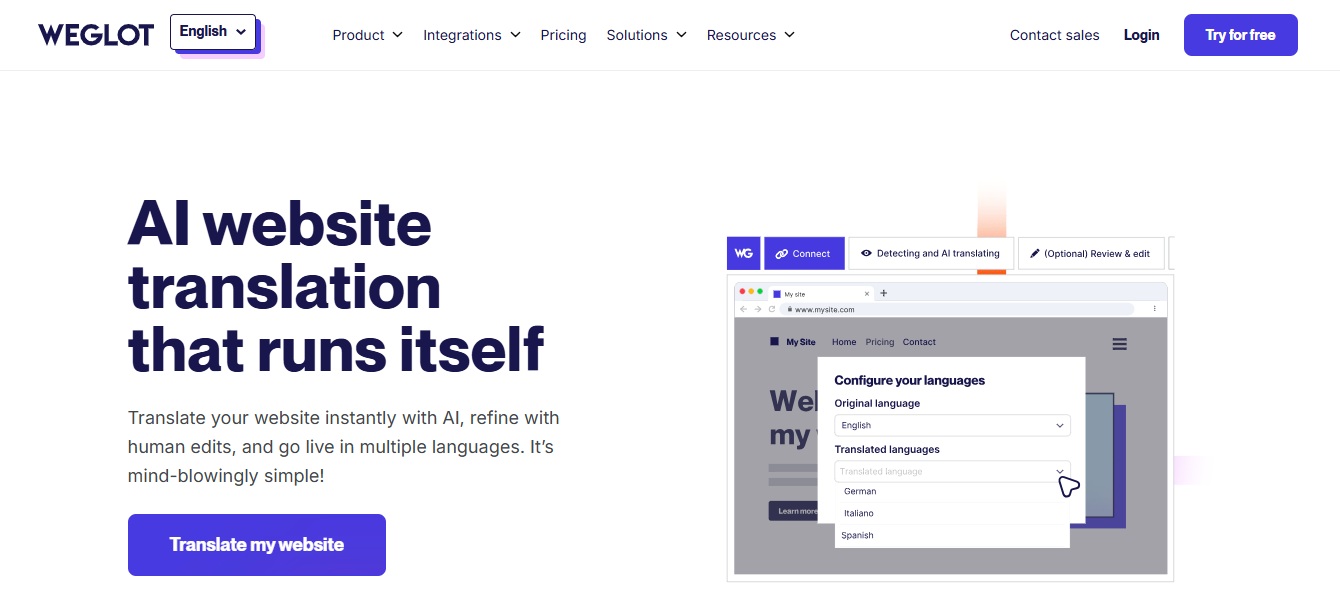
Weglot is a cloud-based website translation platform that connects to WordPress and automatically detects website content. It combines automatic translation with a visual editor, glossary tools, multilingual SEO, media translation, and language-specific URLs.

Its strongest advantage is speed of deployment. The bigger consideration is subscription cost, as pricing rises with translated word allowances, supported languages, and plan level. A content-heavy site may eventually need one of the considerably more expensive tiers.

Weglot says more than 110,000 websites use its platform, while the WordPress plugin currently has more than 50,000 active installations.

Pros
  • Fast setup
  • Strong automatic content detection
  • Visual editing workflow
  • Multilingual SEO built into the platform
  • Supports non-WordPress websites as well
Cons
  • Word-count limits apply to every standard plan
  • Costs rise sharply for large multilingual websites
  • Lower tiers restrict the number of translated languages
  • Translation workflow depends heavily on Weglot's hosted service
Weglot Pricing Plans
Free $0 2,000 words and one translated language.
Starter ~$17/mo 10,000 words and one translated language. ~$170 per year.
Business ~$32/mo 50,000 words and three languages. ~$320 per year.
Pro ~$87/mo 200,000 words and five languages. ~$870 per year.
Advanced ~$329/mo One million words and ten languages. ~$3,290 per year.
Extended ~$769/mo Five million words and twenty languages. ~$7,690 per year.
Why choose Weglot? Attractive when setup speed matters more than keeping translation infrastructure entirely inside WordPress. The concern is long-term cost. Once your word count or number of languages grows, the plan you need can become considerably more expensive.
5

Polylang

WordPress-native multilingual plugin with flexible URL structures.

WordPress-Native
Polylang WordPress multilingual plugin
Polylang-hero.jpg

Polylang is a WordPress-native multilingual plugin that uses familiar WordPress concepts instead of moving the entire workflow to an external translation service. It supports manual translation, flexible language URLs, language switching, SEO signals, and DeepL integration in Polylang Pro.

Its main limitation is that WooCommerce support is a separate product, and DeepL machine translation requires your own API key. Polylang also states that its DeepL integration does not provide one-click "translate everything" functionality and may not support every page-builder workflow.

Polylang currently has more than 800,000 active WordPress installations, making it one of the most widely deployed multilingual plugins in this comparison.

Pros
  • Free version available
  • Strong WordPress-native approach
  • More than 800,000 active installations
  • Flexible subdirectory, subdomain, and domain structures
  • Developer-friendly hooks and APIs
Cons
  • WooCommerce requires a separate paid add-on
  • Automatic translation relies on an external DeepL API
  • No one-click full-site machine translation in Polylang Pro
  • Some page builders can present compatibility limitations for machine translation
Polylang Pricing Plans
Polylang Free $0 Free WordPress version.
Polylang Pro from €99/yr Approximately $111.
Polylang for WooCommerce from €99/yr Approximately $111.
Polylang Business Pack from €139/yr Approximately $156, bundling Pro with WooCommerce support.
Why choose Polylang? Suits you when you value a WordPress-native workflow and want more manual control over multilingual content. The trade-off appears when you need automation or commerce. WooCommerce requires an add-on, and machine translation depends on DeepL.
6

GTranslate

Free language selector with paid cloud-based translation delivery.

Free Widget
GTranslate WordPress translation plugin
GTranslate-hero.jpg

GTranslate combines a free language selector with paid cloud-based translation delivery. The free version automatically translates content in the visitor's browser, while paid plans host translated versions under dedicated language URLs that can be indexed by search engines.

That difference is critical. The free tier does not store translations or create separate indexable URLs, so anyone choosing GTranslate primarily for multilingual SEO should evaluate the paid plans instead.

GTranslate currently reports more than 900,000 active WordPress installations, placing it among the most widely installed translation plugins in the WordPress directory.

Pros
  • Free plugin available
  • Unlimited words and pageviews advertised on standard plans
  • More than 900,000 WordPress installations
  • Paid plans support indexable language pages
  • Cloud delivery reduces translation processing on your server
Cons
  • Free translations are not separate indexable pages
  • URL translation requires the Business tier
  • Language hosting requires Enterprise
  • Core paid functionality depends on an external translation proxy
GTranslate Pricing Plans
Free $0 Free language selector and browser-side translation.
Custom $12/mo Entry paid tier with cloud delivery.
Startup $25/mo Higher allowances for growing sites.
Business $35/mo Adds URL translation.
Enterprise $50/mo Adds language hosting. Yearly billing provides two months free.
Why choose GTranslate? Works well when you want a simple free entry point and the option to move toward cloud-hosted multilingual SEO later. The main decision is whether you need visitor translation or searchable translations. If SEO matters, the free widget is not equivalent to the paid TDN workflow.
7

ConveyThis

Cloud-based multilingual website service with a dedicated WordPress plugin.

Cloud + Visual
ConveyThis cloud translation service
ConveyThis-hero.jpg

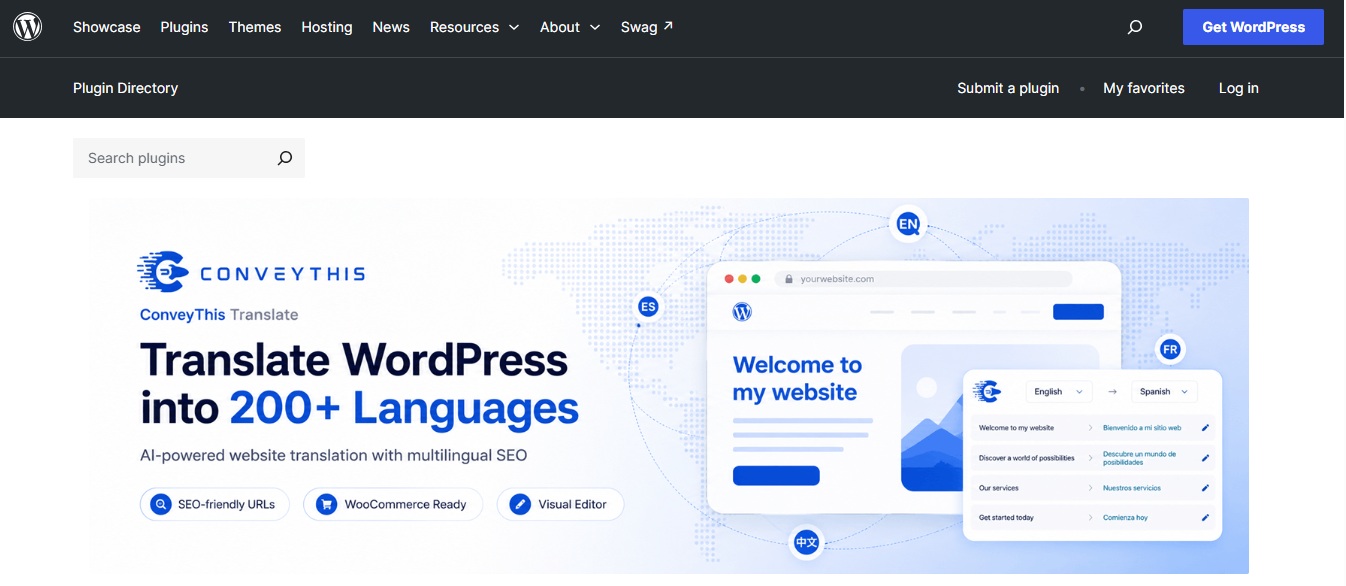
ConveyThis is a cloud-based multilingual website service with a dedicated WordPress plugin. It combines AI and machine translation, manual editing, a visual editor, RTL support, multilingual URLs, hreflang, and a large language catalog.

Its pricing depends on translated words, languages, domains, and translation requests. That makes capacity planning important because a content-heavy or high-traffic website may outgrow lower plans even when its feature needs have not changed.

A notable 2026 change occurred on September 30, when ConveyThis doubled translated-word allowances across its plans without raising listed prices. Free increased from 5,000 to 10,000 words, Starter from 30,000 to 60,000, and Business from 100,000 to 200,000.

Pros
  • Permanent free plan
  • Visual and text editing tools
  • Large language selection
  • Suitable for WordPress and other website platforms
  • Scales through many clearly defined paid tiers
Cons
  • Plan limits include translated words
  • Translation-request limits can matter on higher-traffic websites
  • Multi-domain support begins on higher tiers
  • Cloud dependence may not suit teams wanting local translation storage
ConveyThis Pricing Plans
Free $0 Free plan with 10,000 words after the September 2026 increase.
Starter $12/mo 60,000 words (doubled from 30,000).
Business $24/mo 200,000 words (doubled from 100,000).
Business+ $40/mo Higher allowances for growing sites.
Pro / Pro+ $64 / $110 Larger allowances for content-heavy websites.
Optimum-Extreme $160-$960/mo Scales from Corporate through Advanced+ to Extreme. Annual billing provides twelve months for the price of ten.
Why choose ConveyThis? Worth considering when you want automatic website translation with a visual editor and a broad range of plan sizes. The drawback is the number of usage variables involved. Estimate translated words, languages, domains, and translated page traffic before subscribing.
8

Linguise

Cloud translation architecture with unlimited translated pageviews.

Cloud
Linguise cloud translation plugin
Linguise-hero.jpg

Linguise uses a cloud translation architecture rather than placing the translation workload entirely on your WordPress server. It supports automatic translation, a visual front-end editor, multilingual SEO, translation rules, WooCommerce, and unlimited translated pageviews.

Its pricing is simpler than several word-based competitors because it has three main paid tiers. However, each subscription covers one website, and the lower two plans limit total translated words.

Linguise's trial currently allows up to 600,000 translated words for one month with no credit card, and the service supports more than 80 languages.

Pros
  • One-month free trial
  • Up to 600,000 words during the trial
  • Unlimited languages on paid plans
  • Unlimited translated pageviews
  • Simple three-plan pricing structure
Cons
  • No permanent free plan
  • One website per standard subscription
  • Start and Pro plans have word limits
  • Advanced Linguise AI translation can use separately billed prepaid quotas
Linguise Pricing Plans
Start $15/mo Up to 200,000 translated words.
Pro $25/mo Up to 600,000 translated words.
Large $45/mo Unlimited translated words subject to fair-use rules. Annual billing gives one month free.
Why choose Linguise? Fits well if you want cloud translation with predictable monthly pricing and unlimited languages. The limitation is domain-based pricing. Multiple client websites require separate subscriptions, although agency discounts become available as the number of active domains grows.
9

MultilingualPress

WordPress Multisite architecture with separate connected language sites.

Multisite
MultilingualPress WordPress Multisite plugin
MultilingualPress-hero.jpg

MultilingualPress takes a fundamentally different architectural approach. Instead of keeping several language versions in one ordinary WordPress site, it uses WordPress Multisite, where individual language sites can remain separate but connected.

This architecture can appeal to complex organizations that want stronger separation between markets, sites, teams, or regional content. It also introduces more administrative overhead than a conventional translation plugin because you are effectively managing a network of connected WordPress sites.

Pros
  • Strong separation between language sites
  • Useful for enterprise or regional website structures
  • Reduces dependency between individual language installations
  • WordPress Multisite foundation is familiar to experienced administrators
  • Enterprise tier supports unlimited languages
Cons
  • More complex than single-site translation plugins
  • Higher entry price than many alternatives
  • Requires comfort with WordPress Multisite architecture
  • Each standard license currently covers one WordPress installation
MultilingualPress Pricing Plans
Starter €149/yr Approximately $167, for two languages.
Professional €499/yr Approximately $559, for six languages.
Advanced €899/yr Approximately $1,007, for twelve languages.
Enterprise €1,499/yr Approximately $1,678, for unlimited languages.
Why choose MultilingualPress? Most relevant when your problem is not merely translation but market separation. That architectural strength is also its biggest drawback for ordinary sites. If you simply need to translate one WordPress installation, a multisite-based solution can introduce unnecessary complexity and a much higher starting cost.
10

Loco Translate

PO-file editor for translating static strings in themes, plugins, and WordPress core.

Developer Tool
Loco Translate PO file editor
Loco-Translate-hero.jpg

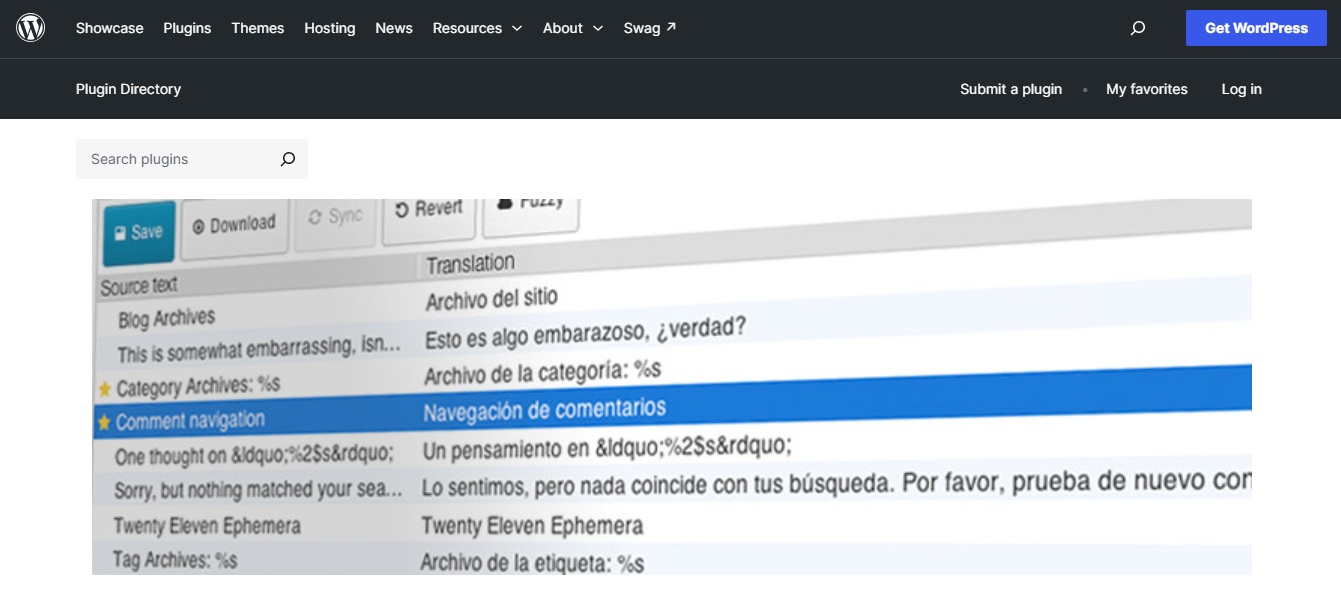
Loco Translate is different from almost every other tool on this list. It is primarily a PO-file editor for translating static strings in WordPress themes, plugins, and WordPress core rather than a complete multilingual content system.

That distinction matters because Loco Translate does not translate database content such as ordinary posts, pages, taxonomy content, or settings. If you need an entire multilingual website with translated articles and dedicated language URLs, you need another multilingual system alongside or instead of Loco Translate.

Loco Translate has more than one million active WordPress installations. Its recent releases also include translation API integrations and support for modern WordPress translation files.

Pros
  • The core WordPress plugin is free
  • More than one million active installations
  • Excellent control over theme and plugin strings
  • Useful for developers and localization teams
  • Supports multiple translation API providers
Cons
  • Does not translate normal post or page content
  • Does not create a complete multilingual site architecture
  • Does not replace a multilingual SEO plugin
  • Machine translation providers may require separate API accounts and charges
Loco Translate Pricing Plans
WordPress Plugin $0 The core Loco Translate WordPress plugin itself is free.
Loco Free $0 Optional hosted localization service free tier.
Loco Pro $5.95/mo Higher translation and collaboration allowances.
Loco Business $19.95/mo For teams needing more capacity.
Loco Agency $29.95/mo Highest allowance tier for agencies.
Why choose Loco Translate? Choose it when your actual task is translating themes, plugins, WordPress core strings, or Gettext files. Must-know: Loco's documentation describes the product directly: "Loco Translate is primarily a file editor."
11

ConveyThis Translate

The WordPress plugin that connects your site to the ConveyThis service.

Connector
ConveyThis Translate WordPress plugin
ConveyThis-Translate-2.jpg

ConveyThis Translate is the WordPress plugin used to connect a WordPress installation with the ConveyThis translation service reviewed earlier. It is therefore not a separate translation platform from ConveyThis, and you should not treat the two names as independent products when comparing subscriptions.

The plugin automatically detects website content and connects it with ConveyThis translation, editing, language switching, multilingual URLs, subdirectory or subdomain structures, and the company's cloud service. Its main limitation is therefore the same as the main platform: your capabilities and usage depend on the ConveyThis account and plan attached to the plugin.

The WordPress plugin currently has more than 1,000 active installations and advertises more than 200 languages.

Pros
  • Dedicated WordPress integration
  • Fast connection to the ConveyThis platform
  • More than 200 supported languages
  • Supports automatic and manual translation workflows
  • Can create SEO-oriented translated pages through the connected service
Cons
  • It is not a separate service from ConveyThis
  • Usage restrictions come from the attached ConveyThis subscription
  • Translation data and delivery depend on an external cloud platform
  • Higher usage can require increasingly expensive plans
ConveyThis Translate Pricing Plans
Plugin $0 The WordPress plugin can be installed for free, but translation capacity follows the ConveyThis account.
Free to Extreme $0-$960/mo Free, Starter $12, Business $24, Business+ $40, Pro $64, Pro+ $110, Optimum $160, Corporate $240, Corporate+ $320, Advanced $480, Advanced+ $640, Extreme $960 per month.
Why choose ConveyThis Translate? Use it when you specifically want to run the ConveyThis service on WordPress. The key point is not to count ConveyThis and ConveyThis Translate as two independent ecosystems when budgeting. The plugin is effectively the bridge to the same underlying platform and pricing structure.
Real Cost

How Much Does a WordPress Translation Plugin Really Cost?

Starting price is one of the least useful numbers in a translation-plugin comparison when viewed alone. Your real cost depends on website size, number of languages, translated words, AI usage, domains, traffic, and whether essential SEO controls sit behind a higher tier.

Word-Based Pricing Can Change

Suppose your English website contains 100,000 unique words and you want four additional languages. A platform that counts translated words may need capacity around 400,000 translated words, even before future articles, product descriptions, and landing pages are added.

Feature-Based Upgrades Matter

GTranslate reserves URL translation for Business and language hosting for Enterprise. Polylang's WooCommerce support is a separate product. TranslatePress places several advanced add-ons in Business and Developer plans. WTranslator separates visitor-side translation from paid indexable TDN delivery and advanced editing.

Ownership & Renewal Costs

Ask what happens if you cancel. TranslatePress states that existing translations remain stored in your WordPress database after your license expires. Cloud delivery products operate differently because translated delivery is tied more closely to the hosted service.

Migration

How to Migrate Translation Plugins Without Losing SEO

Changing a multilingual WordPress plugin can affect far more than translated paragraphs. Language URLs, indexed pages, hreflang relationships, metadata, redirects, and internal links may all depend on the previous system.

01

Preserve Existing URLs

If /fr/services/consulting/ already receives impressions, backlinks, or traffic, replacing it unnecessarily with a completely different URL creates migration work. When you cannot retain the existing address, use a direct 301 redirect to the most relevant replacement.

02

Rebuild Hreflang & Canonicals

Google says hreflang relationships need return links. If one language page references another but the second page does not reference the first, those annotations may be ignored. Check canonicals at the same time. A translated page accidentally canonicalized to the original English URL can undermine the language version.

03

Replace Sitemaps & Verify

Submit your updated multilingual sitemap once the migration is live. Then use Search Console URL inspection for representative pages from every important language. Confirm that the page is crawlable, indexable, canonicalized correctly, and returning the expected language content.

Approach

Manual, Automatic, AI, or Human: Which Should You Choose?

The answer depends on the importance of the content.

Automatic - Speed & Coverage

Automatic translation works well for creating an initial multilingual version across a large website. Particularly useful when you have hundreds of product descriptions, support articles, archive pages, categories, or informational pages.

Human Review - Where Errors Matter

Pricing pages, legal terms, medical information, high-value landing pages, product specifications, brand messages, and checkout instructions deserve greater scrutiny. AI translation has improved, but a plausible sentence can still be contextually wrong.

Glossaries & Memory - Consistency

A glossary protects terminology such as product names, industry terms, acronyms, and words that should never be translated. Translation memory reduces repetitive review by reusing previously approved text.

FAQ

Frequently Asked Questions

The questions buyers ask most before choosing a WordPress translation plugin in 2026.

The best option depends on your workflow. WTranslator combines automatic translation, more than 248 languages, WooCommerce support, a free visitor translation plan, and paid multilingual SEO. WPML suits structured translation teams, TranslatePress emphasizes visual editing, and Polylang provides a WordPress-native approach.

Several products have free versions, including WTranslator, TranslatePress, Polylang, GTranslate, Loco Translate, Weglot, and ConveyThis. Compare their restrictions carefully because a free language switcher does not always create indexable multilingual pages.

Yes. An automatic translation plugin for WordPress can translate website content using machine translation or AI. Depending on the plugin, you may also be able to manually review and correct the generated translations.

Yes, provided search engines can access and index dedicated translated pages. Your multilingual setup should also correctly handle language URLs, hreflang, canonicals, internal links, metadata, and sitemaps.

A properly configured multilingual plugin should not inherently hurt SEO. Problems usually appear when translated URLs are inaccessible, canonicals point to the wrong pages, hreflang is broken, translated content is extremely poor, or the site creates duplicate and conflicting URL structures.

Look for indexable language URLs, hreflang, translated titles and descriptions, slug translation where needed, sitemap integration, canonical control, and compatibility with your SEO plugin. Do not judge multilingual SEO solely by whether a product says it can translate text.

WTranslator, WPML, TranslatePress, Polylang for WooCommerce, Weglot, GTranslate, and other platforms in this comparison can support WooCommerce in different ways. Your decision should consider products, categories, attributes, cart and checkout content, store emails, schema, URLs, and SEO requirements.

A multilingual plugin manages different language versions of your website. Automatic translation is one method for creating those versions. A plugin can be multilingual without automatically translating everything, and an automatic visitor-side translator may not necessarily build a complete multilingual SEO structure.

WPML provides more formal translation management and team workflows, while TranslatePress emphasizes visual front-end translation and local storage. The better option depends on whether workflow depth or editing simplicity matters more to you.

Yes. Polylang offers a free WordPress version. Polylang Pro, the WooCommerce add-on, and the combined Business Pack are paid products.

Yes. TranslatePress states that translations are stored in your site's database. Existing translations remain available even if you stop renewing the premium license, although some premium functionality, updates, and services will no longer be available.

Yes, but migration requires planning. Preserve important URLs, map redirects, rebuild hreflang, check canonicals, replace sitemaps, verify indexed pages, and determine whether your existing translations can be exported before removing the old system.

If search visibility matters, dedicated URLs are generally the cleaner approach. Google recommends different URLs for different language versions and advises using hreflang to communicate the relationship between them.

They can affect performance differently depending on architecture, database usage, requests, caching, number of languages, and hosting. Cloud-delivery tools move some translation processing outside the original server, while WordPress-native systems may store and manage more translation data locally. Test performance on your actual theme, plugins, cache, and hosting stack.

Add languages based on real customer demand, search opportunities, markets you can support, and your ability to maintain quality. Supporting ten languages poorly can create more operational problems than publishing two or three carefully localized markets.

Conclusion: The Best Plugin Depends on What You Need

The best translation plugin for WordPress depends on what you want multilingual publishing to accomplish. Some tools specialize in visual editing. Others prioritize manual WordPress workflows, cloud automation, multisite architecture, theme and plugin strings, or enterprise translation management.

Cost structures also vary widely, from free WordPress plugins to annual licenses and cloud plans based on words, languages, domains, or traffic.

SEO-focused websites should pay particular attention to dedicated language URLs, hreflang, canonicals, metadata, sitemaps, slug translation, and indexability rather than evaluating translation quality alone.

Features such as automatic translation, translation memory, editable language content, WooCommerce support, and search-ready language URLs can reduce repetitive work while giving you more control as your multilingual site grows.

Explore WTranslator Plans